simple
images
false


Be1st Smart TPN Rabbit Card
Shopping, traveling and cash withdrawal
false
Card Privileges
scrollable

CHIP & PIN. Secure transactions
Spend securely, withdraw money with confidence. Enjoy high security for all your spending and cash withdrawals with CHIP & 6-digit PIN technology.

Greater convenience for your spending
An all-in-one card you can use to shop, withdraw cash and travel on the BTS and BRT with ease. You also get Rabbit points to redeem for gifts.

SMS Card Spending Alert
Free SMS notifications anytime you spend with your card. With free and fast notifications you can track your spending instantly.
Additional Information
4 Easy steps to use contactless payment
false
3000
false
showArrowsDots
withDefaultImage
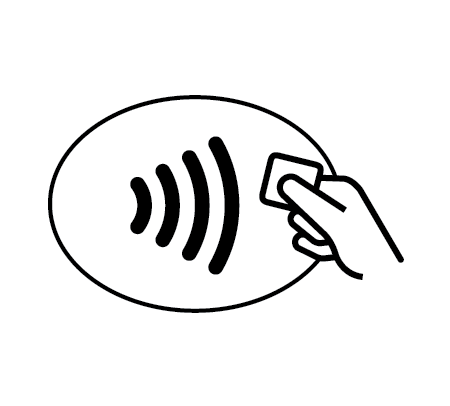
1. Look for this symbol at point of sale terminals and inform the salesperson that you will pay with Be 1st Smart TPN unionPay contactless.
showArrowsDots
withDefaultImage
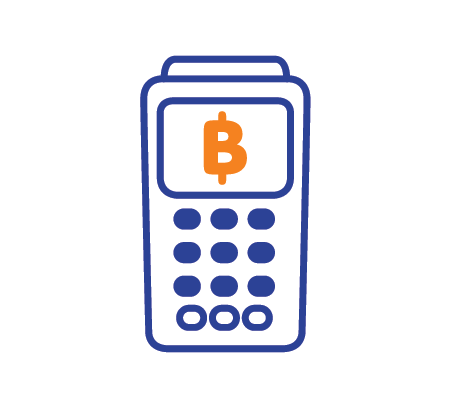
2. Check the purchase value displayed on the card reader before waving your card. If the value is incorrect, please tell the salesperson to correct the transaction immediately.
showArrowsDots
withDefaultImage
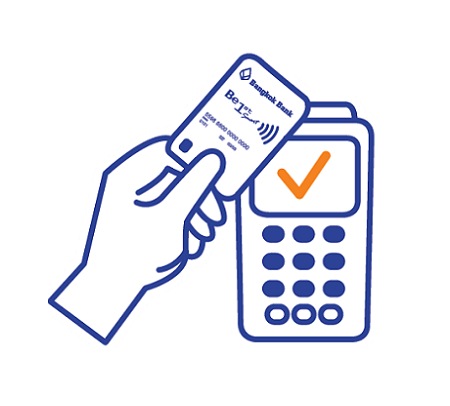
3. Wave your card at a card reader to pay.
showArrowsDots
withDefaultImage
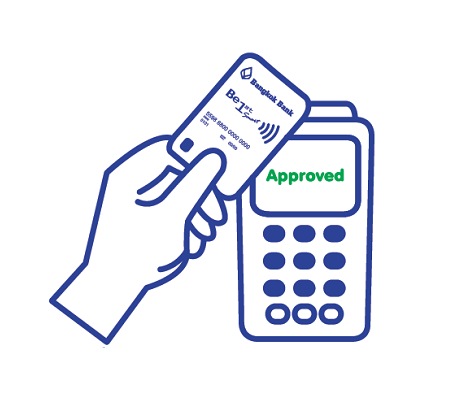
4. Hold the card until you see the text “Approved” or a green light or hear a beep. Then, you will receive a sales slip for a reference.
Related Cards For You
true
3000
false
showArrowsDots
cardListCarousel

TOOLS & ASSISTANCE


