
Be1st Smart TPN Rabbit
Card Privileges

All functions you need

Greater convenience for your spending
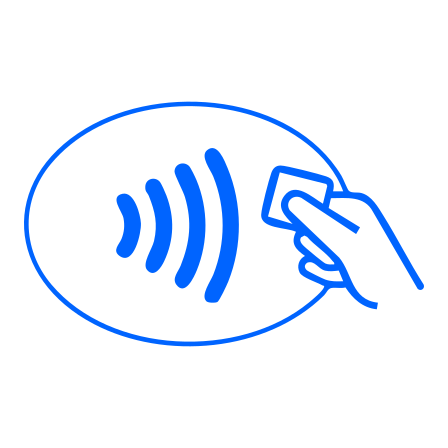
Make payment conveniently with the contactless function. Simply wave your card at a card reader showing symbol #icon40x27 #inlineimage

to make purchases at merchants accepting Mastercard anywhere in the world.

Modern lifestyle
Additional Information
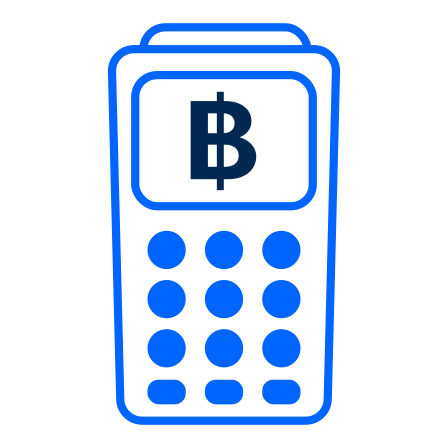
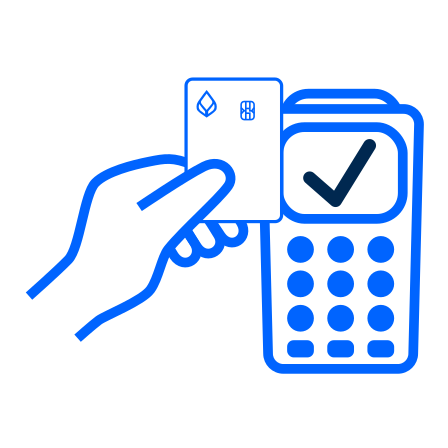
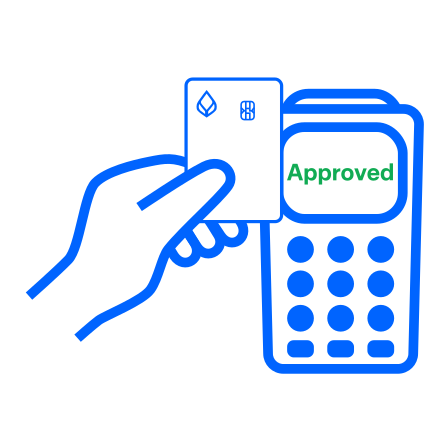
4 Easy steps to use contactless payment
The physical debit card has a contactless function with symbol #icon20 #inlineimage

. Just wave your card at a card reader showing symbol #icon40x27 #inlineimage
to make purchases at merchants anywhere in the world that accept contactless payments. You can use contactless payments for purchases of up to 1,500 baht/transaction without a signature. (If your purchase is over 1,500 baht/transaction, you are required to swipe the card and authorize the transaction with your signature or PIN.)