Mutual Funds
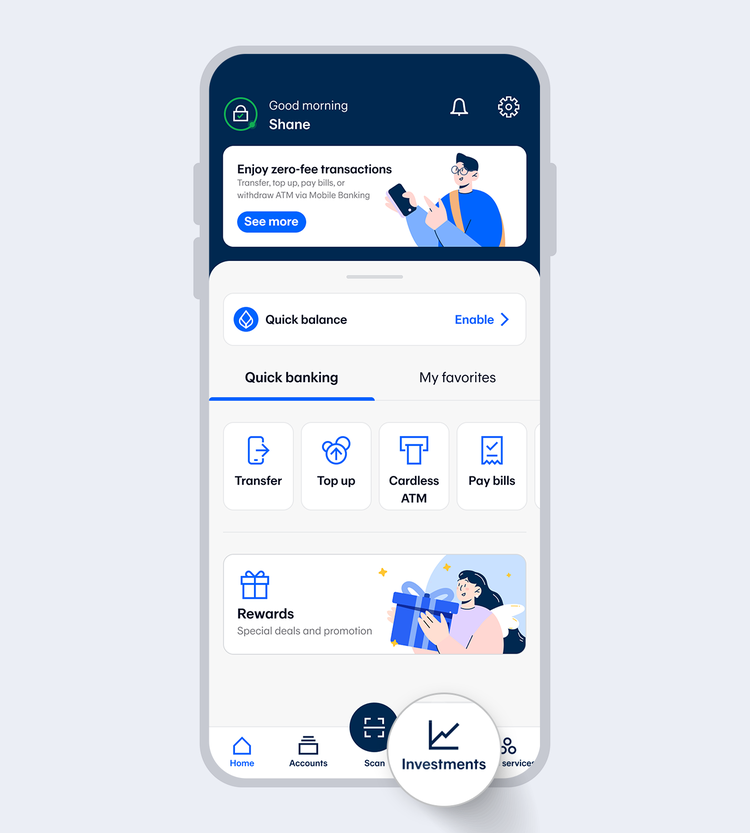
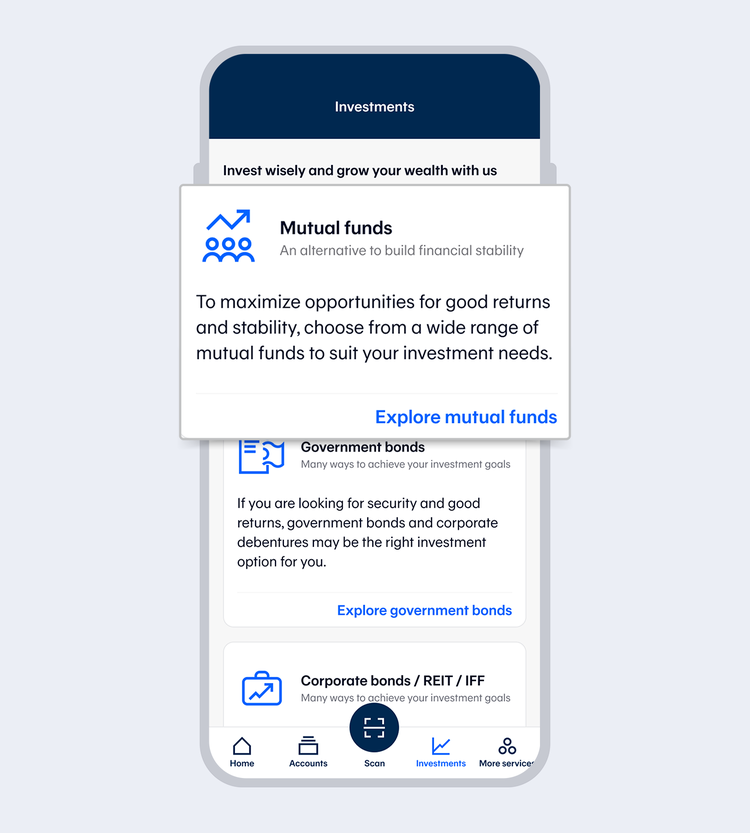
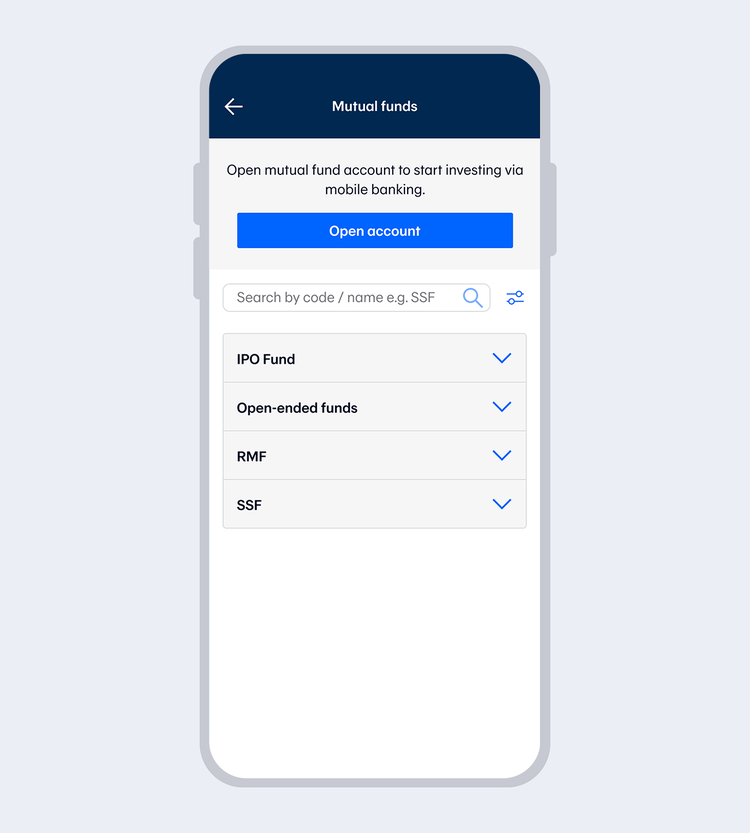
Customers who already have a mutual fund account can open other types of mutual fund accounts by selecting “Other funds”. Then select your preferred fund and select “Buy”.
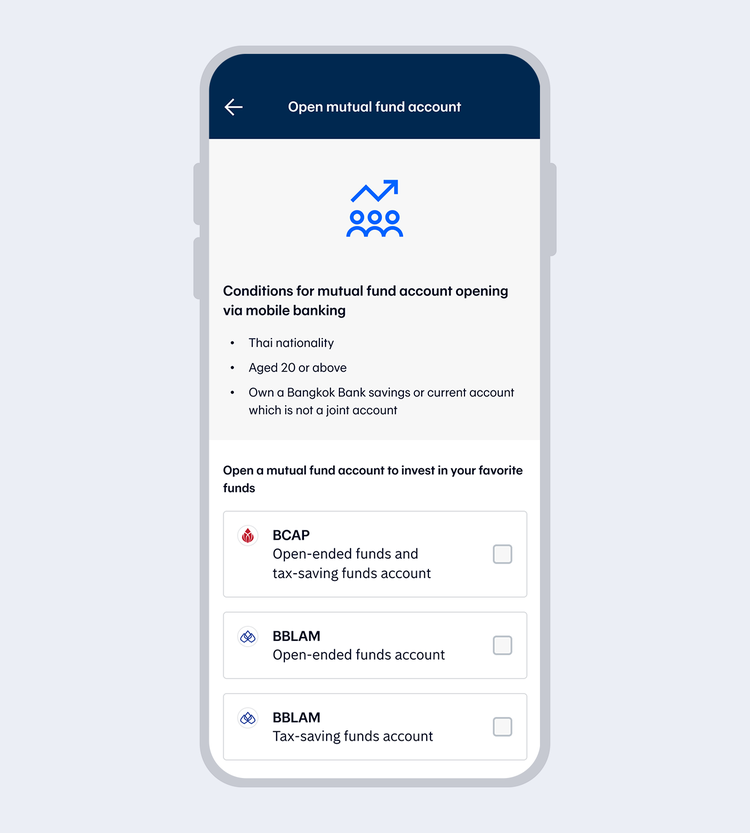
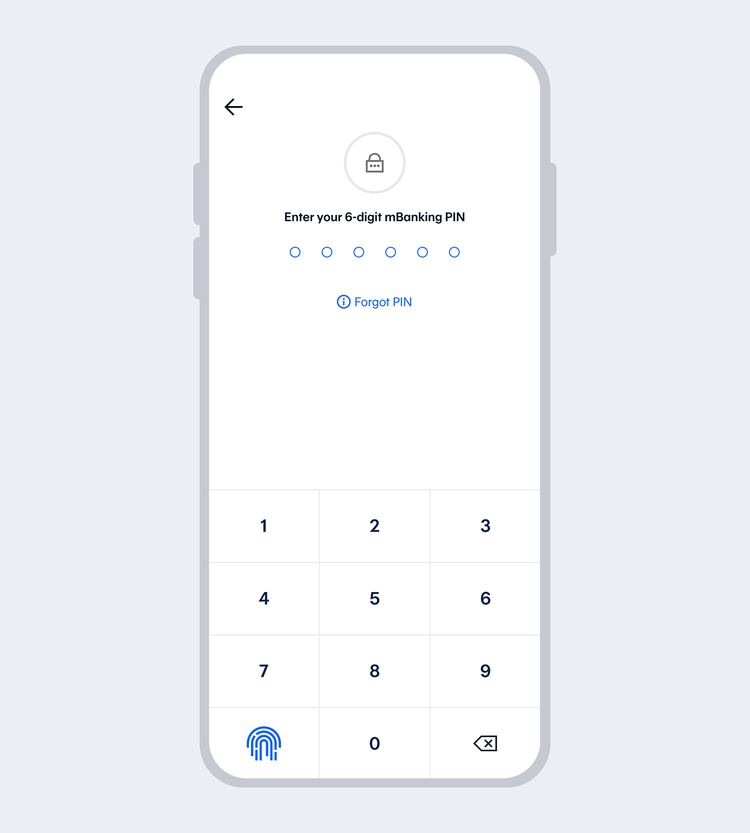
Enter your 6-digit Mobile PIN if you access with Touch ID/Face ID / Fingerprint
Then, read the terms and conditions and select "Next"
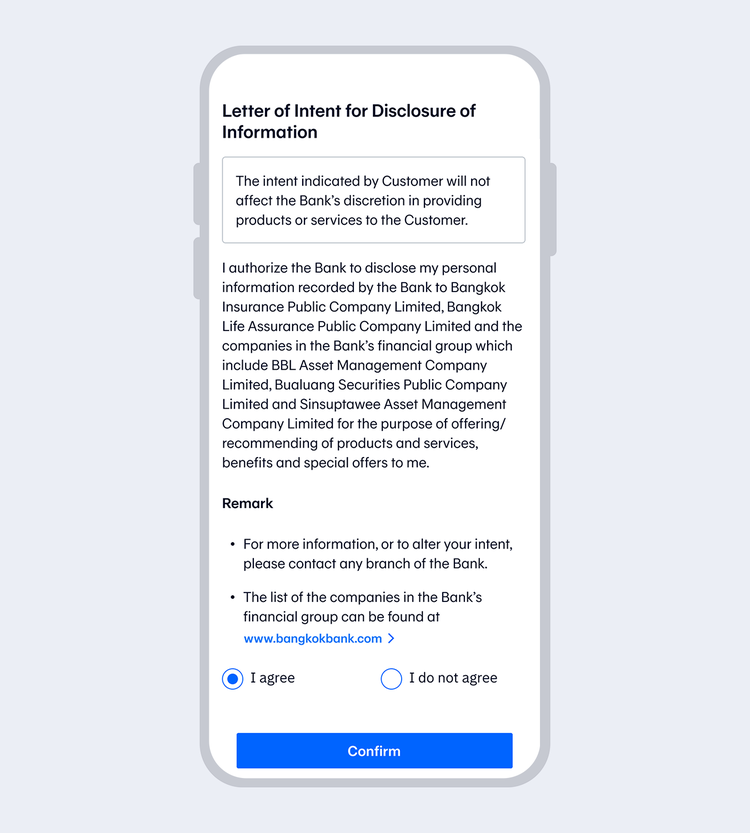
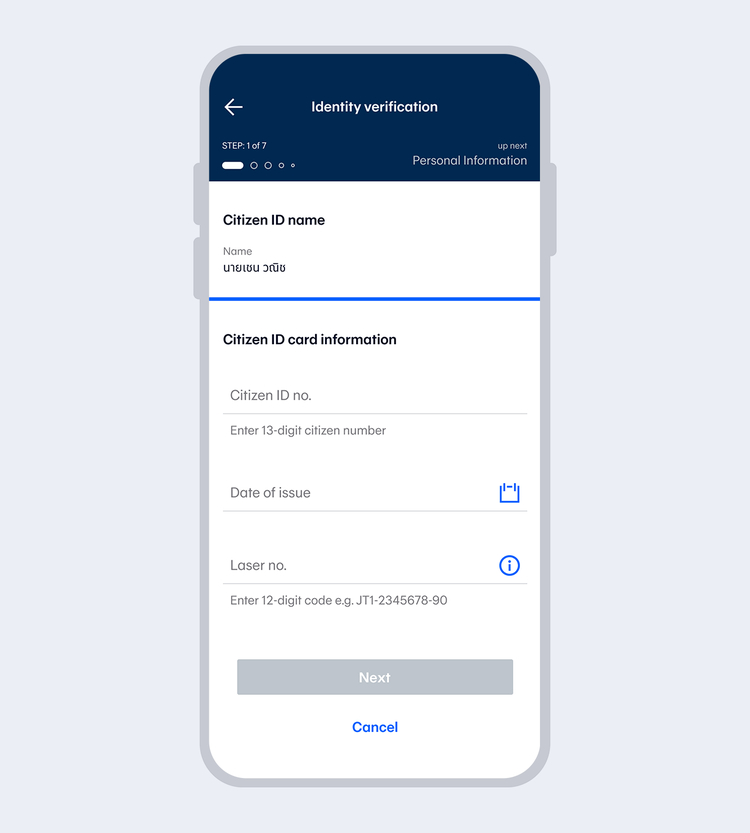
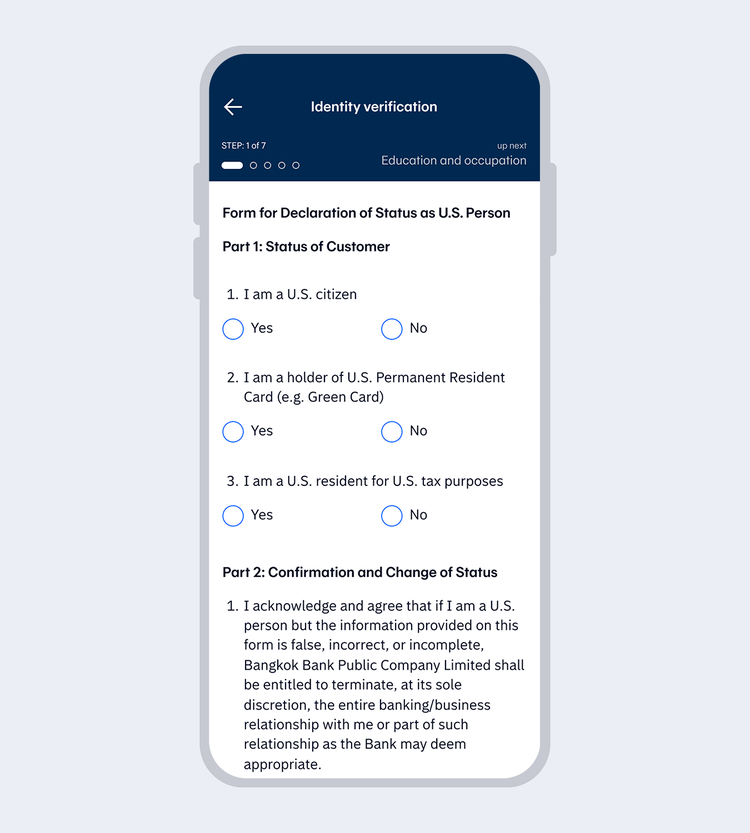
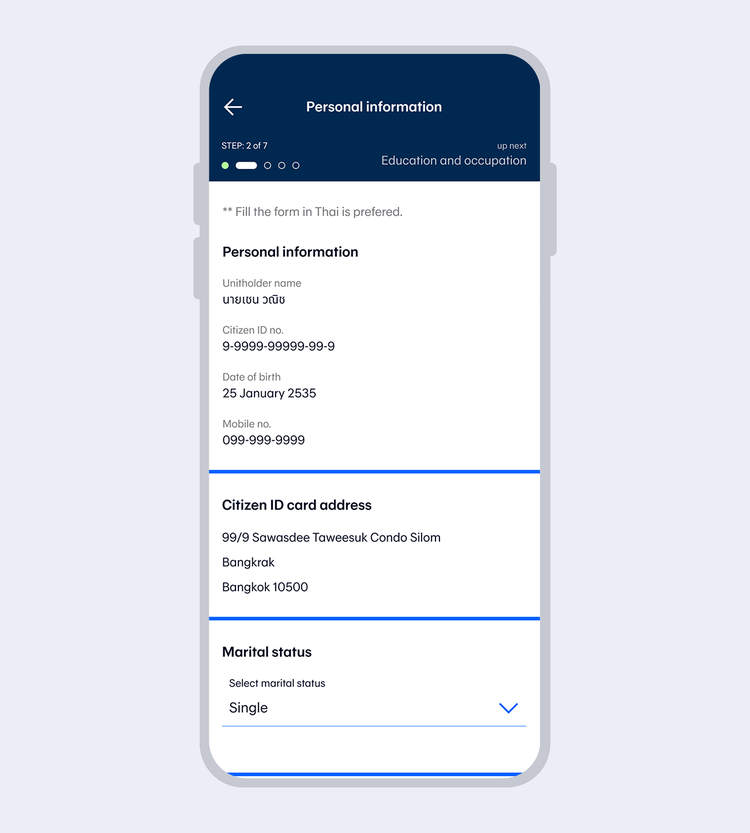
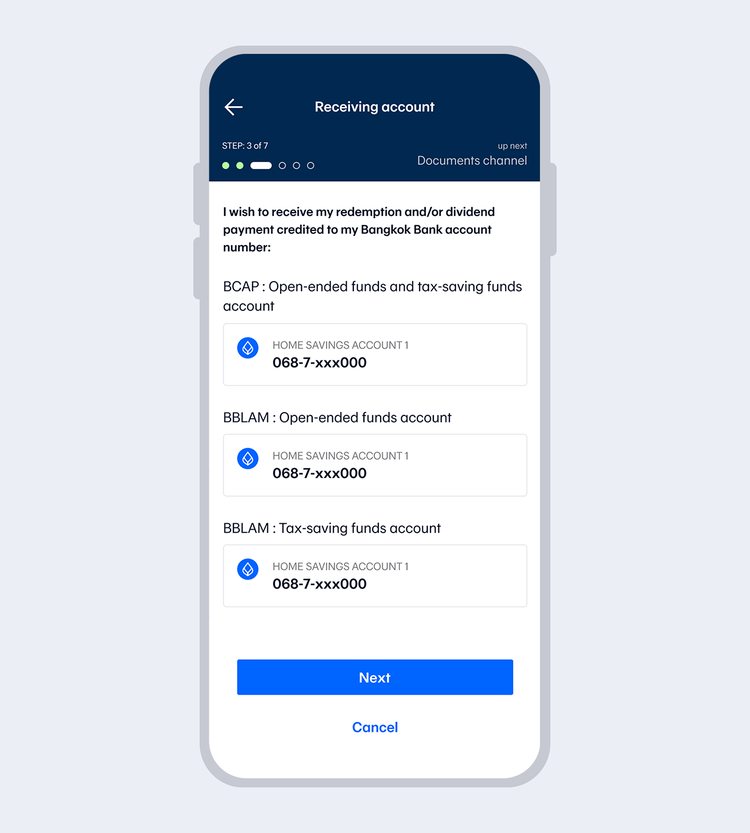
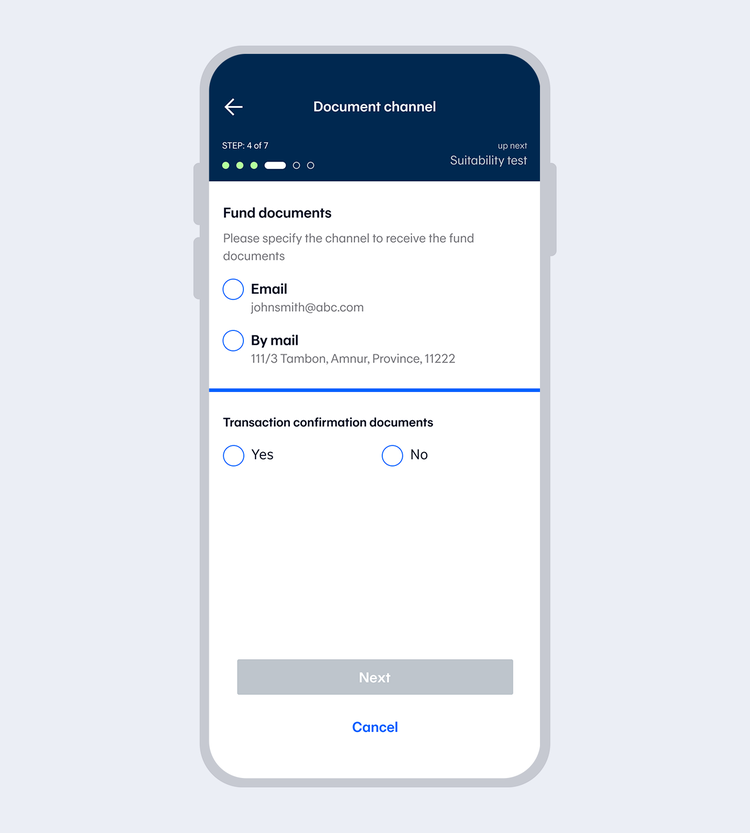
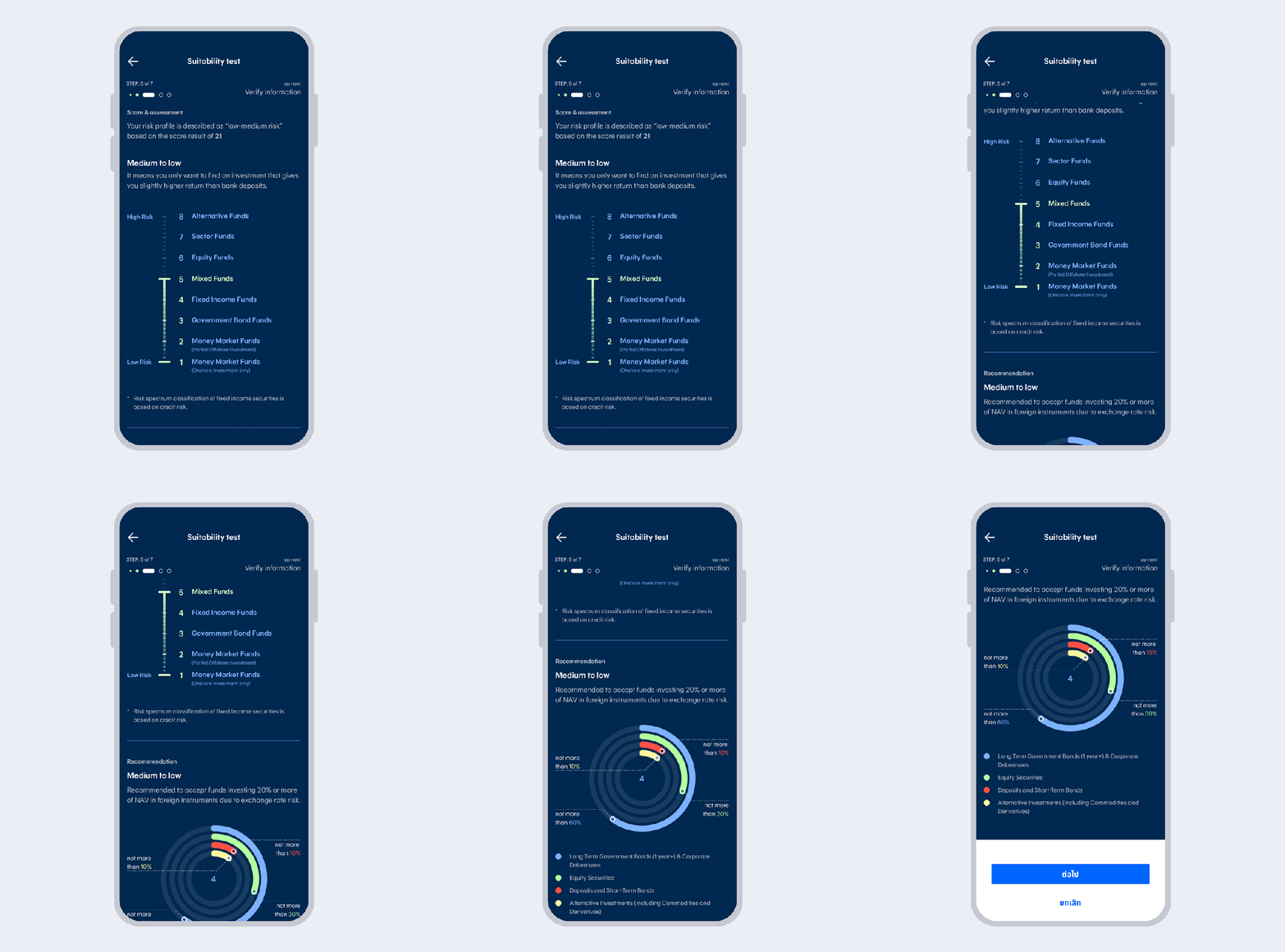
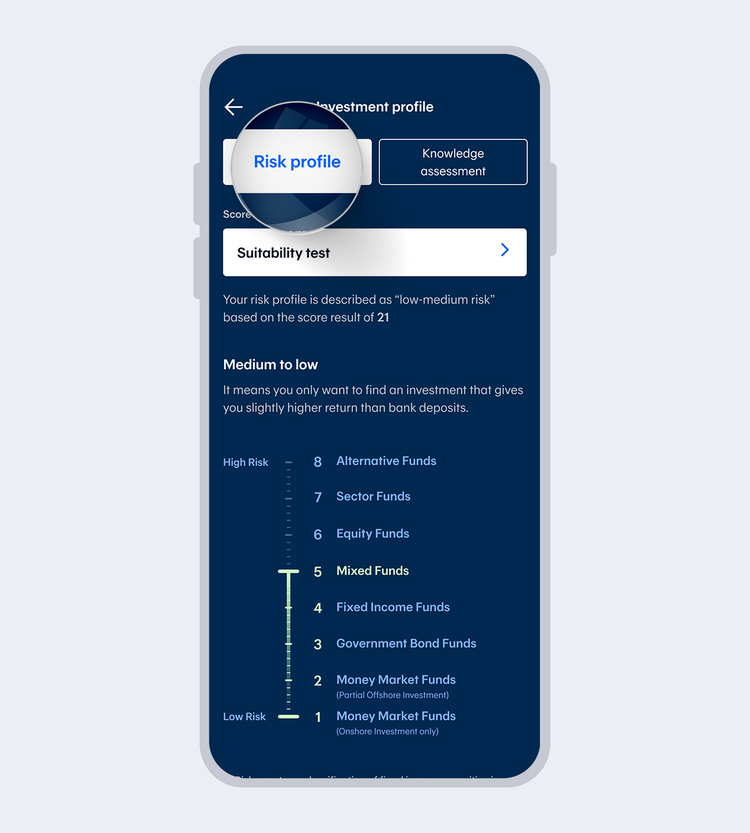
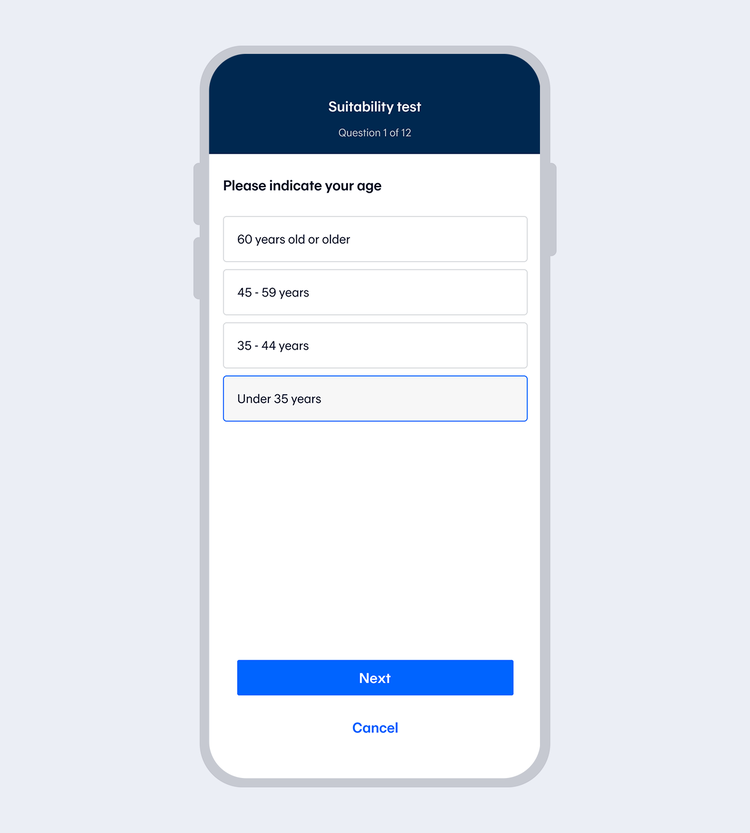
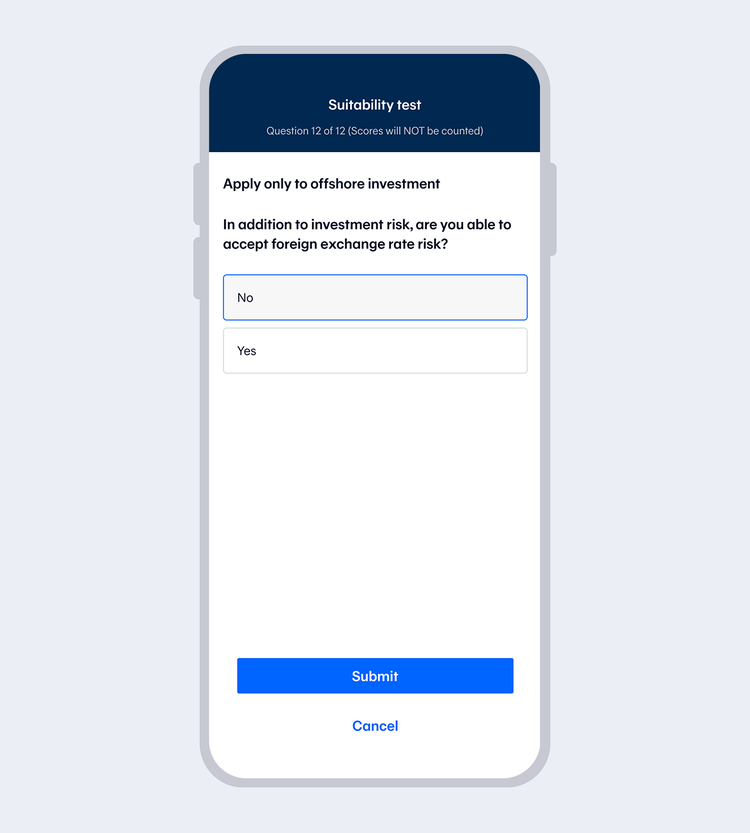
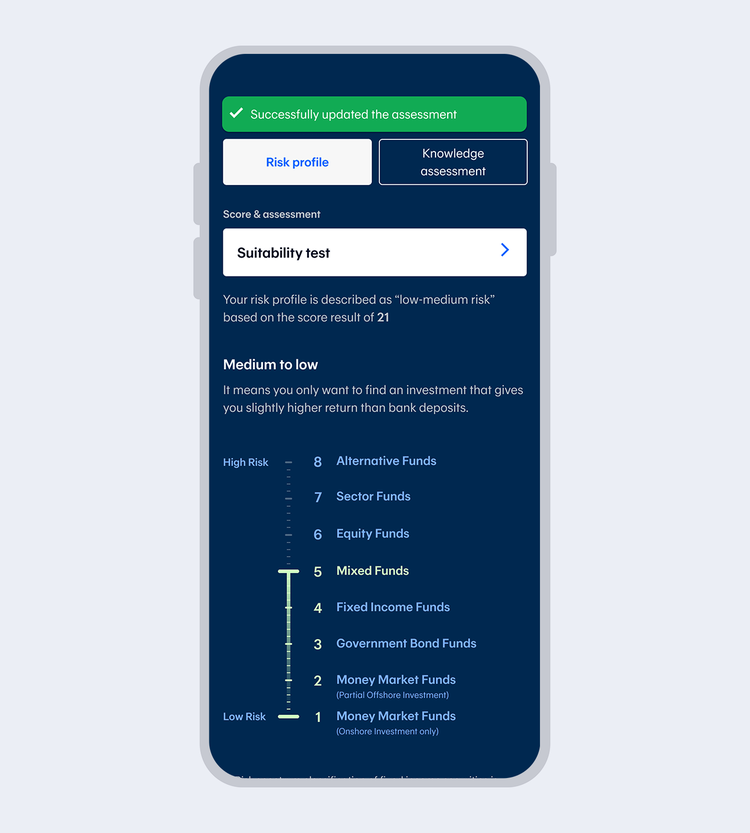
Complete the Suitability Test and select "Next"
If you have completed the test before, the system will take you to the next step.
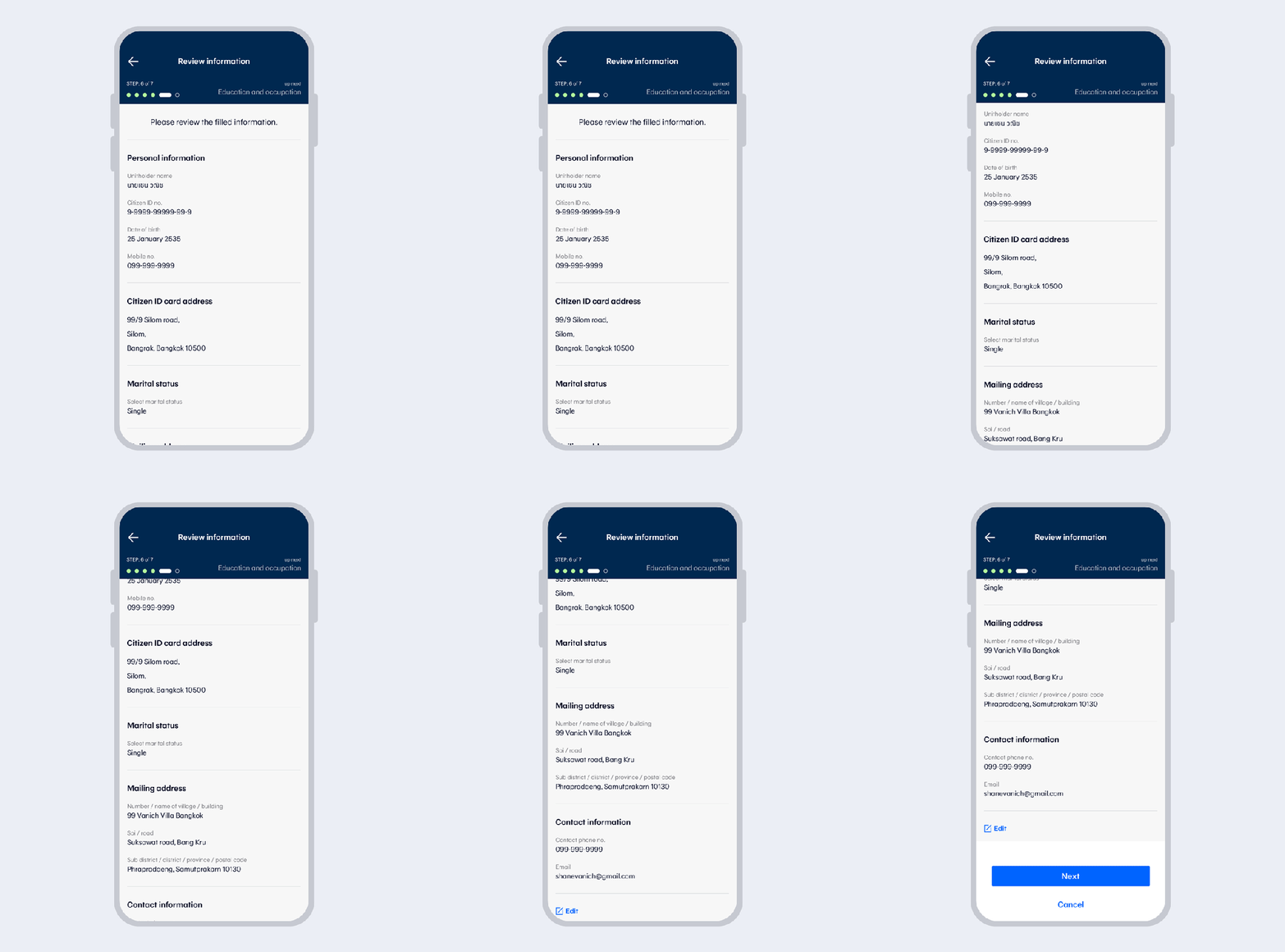
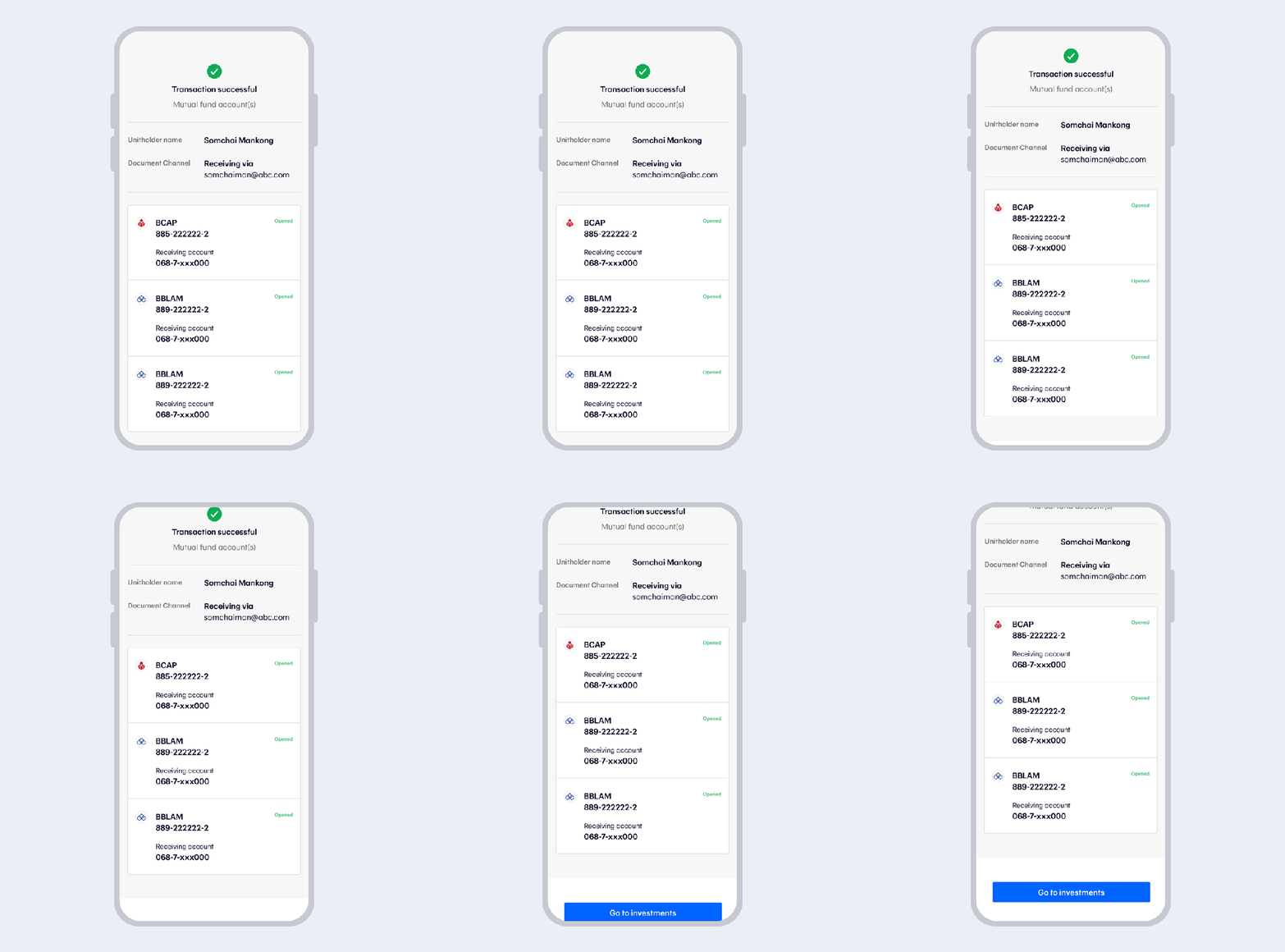
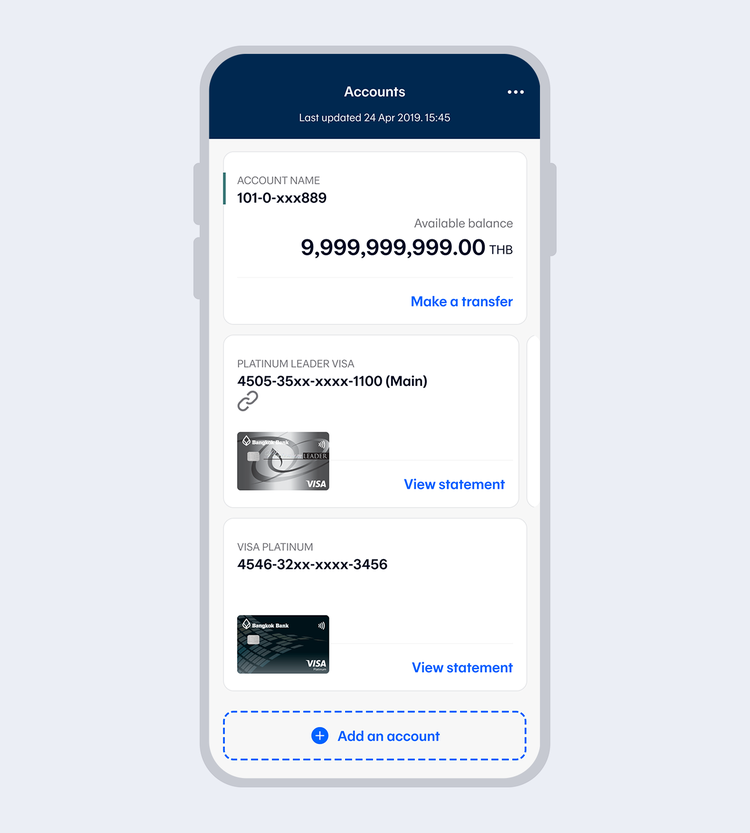
You can also go to “More” and select “Add an account” to add your own account.
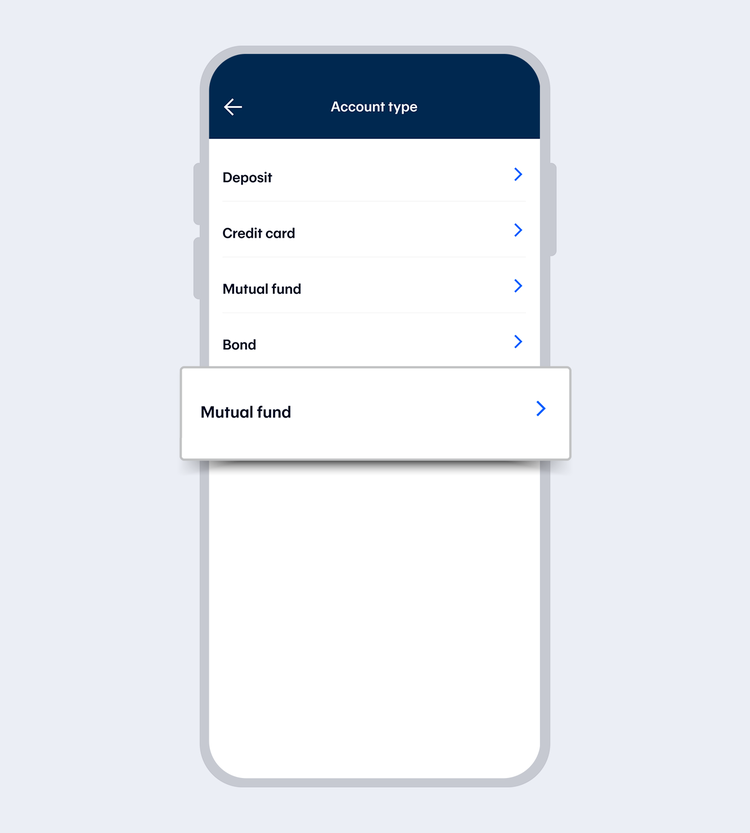
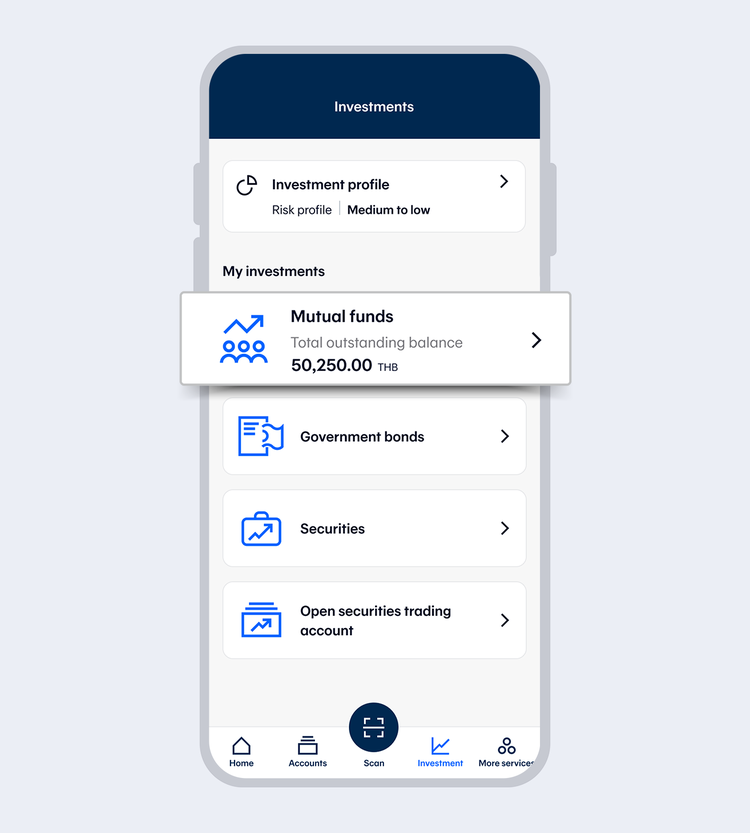
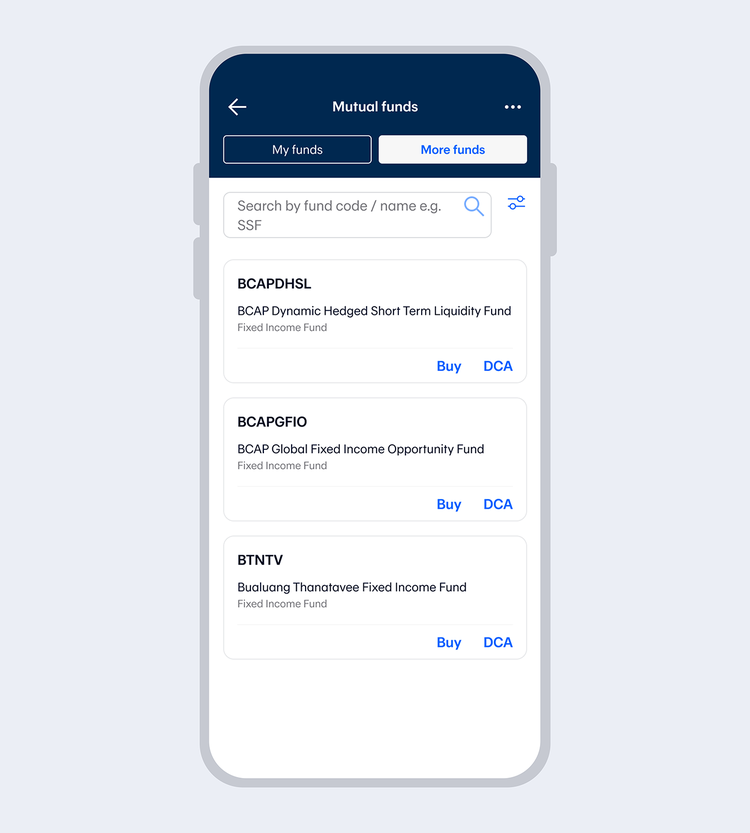
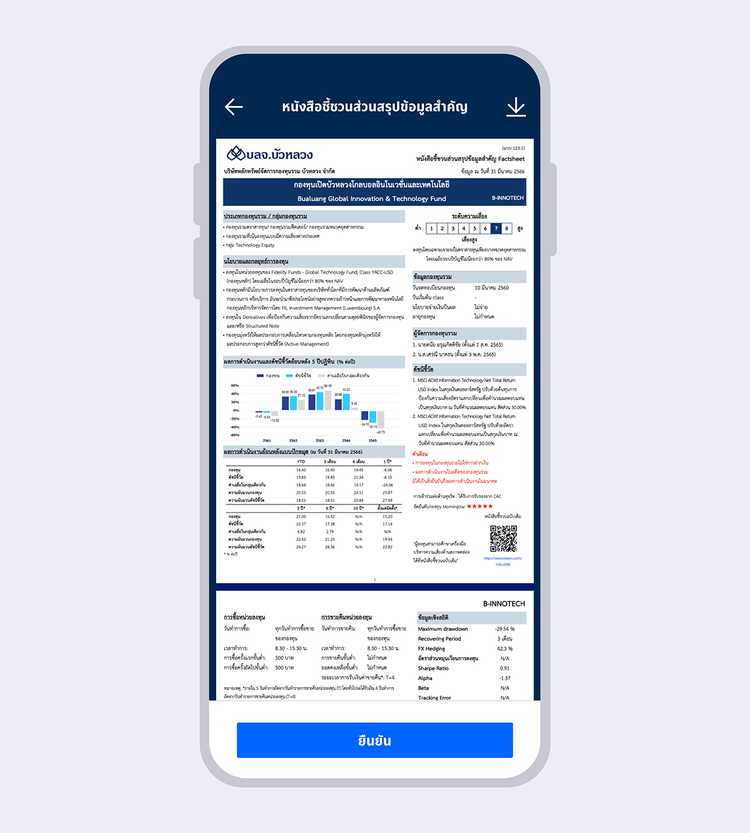
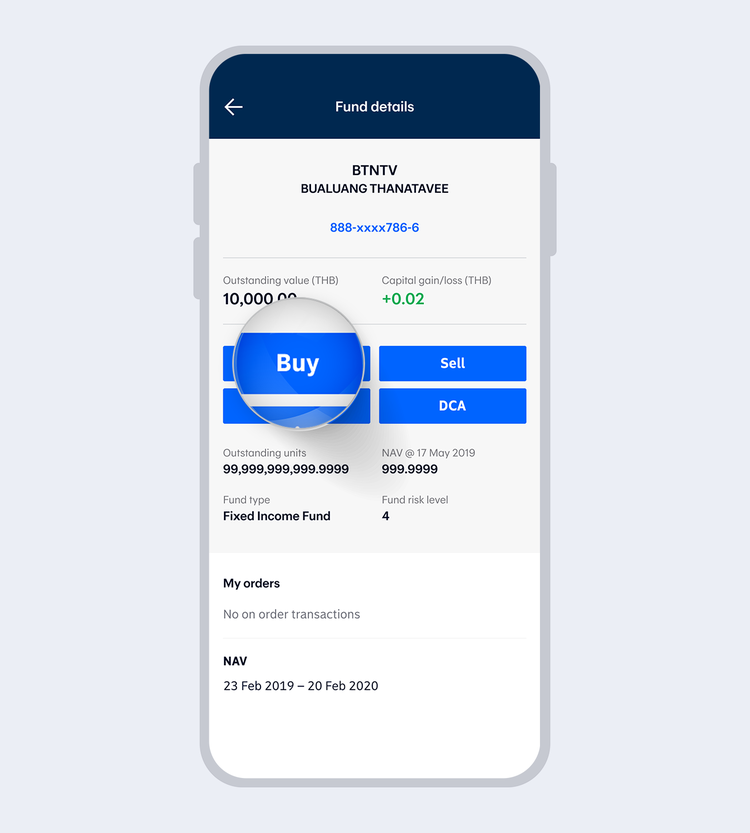
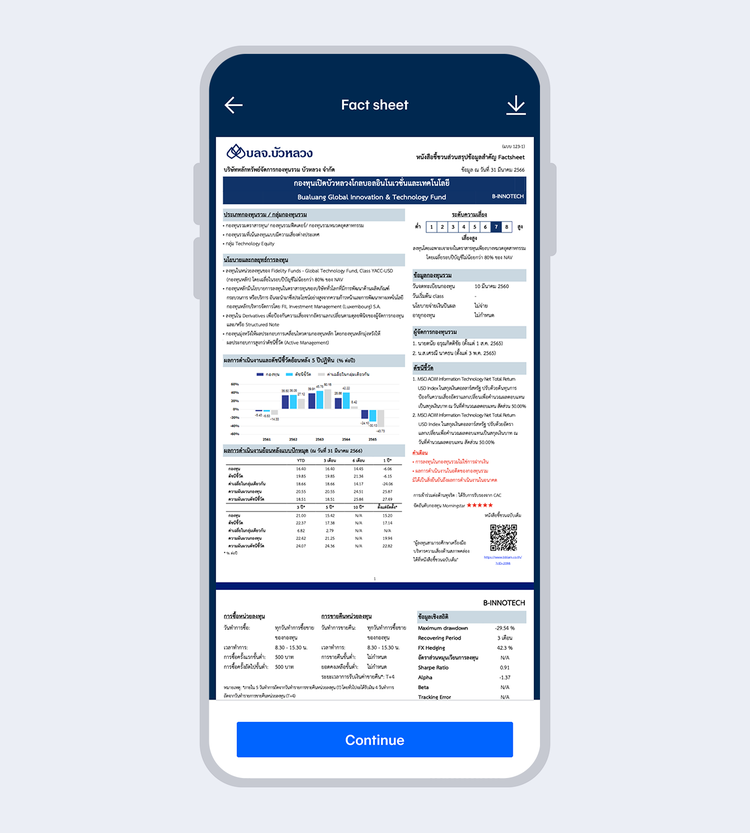
Review the fund details and select "Buy"
Then read the Terms and Conditions and select "Accept"
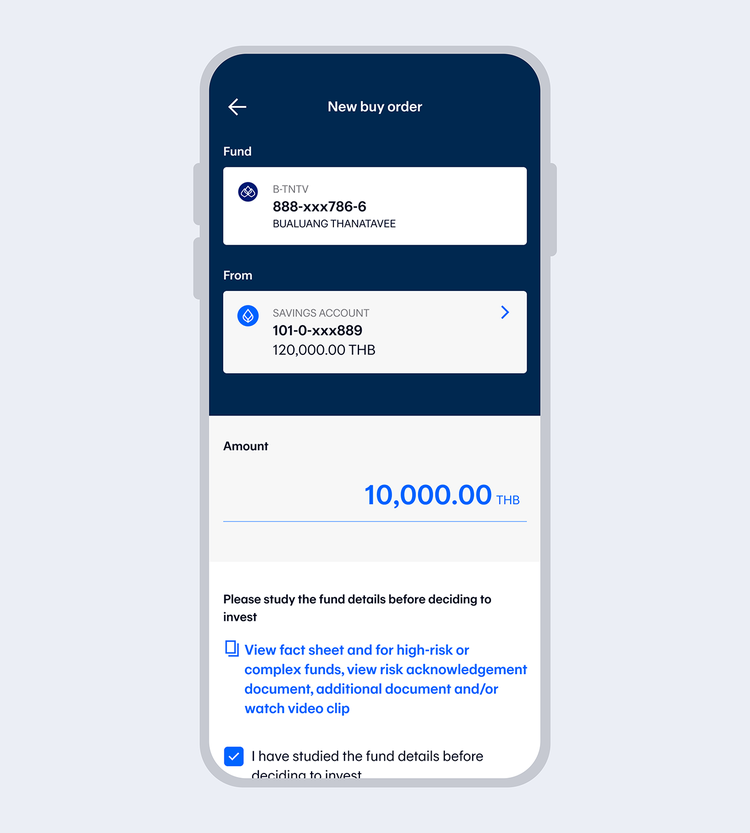
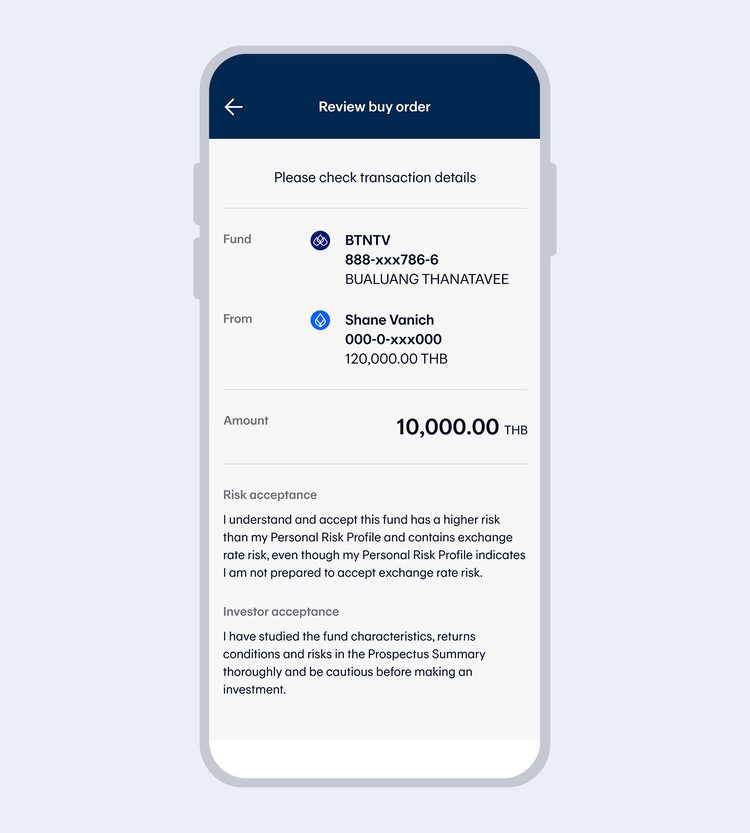
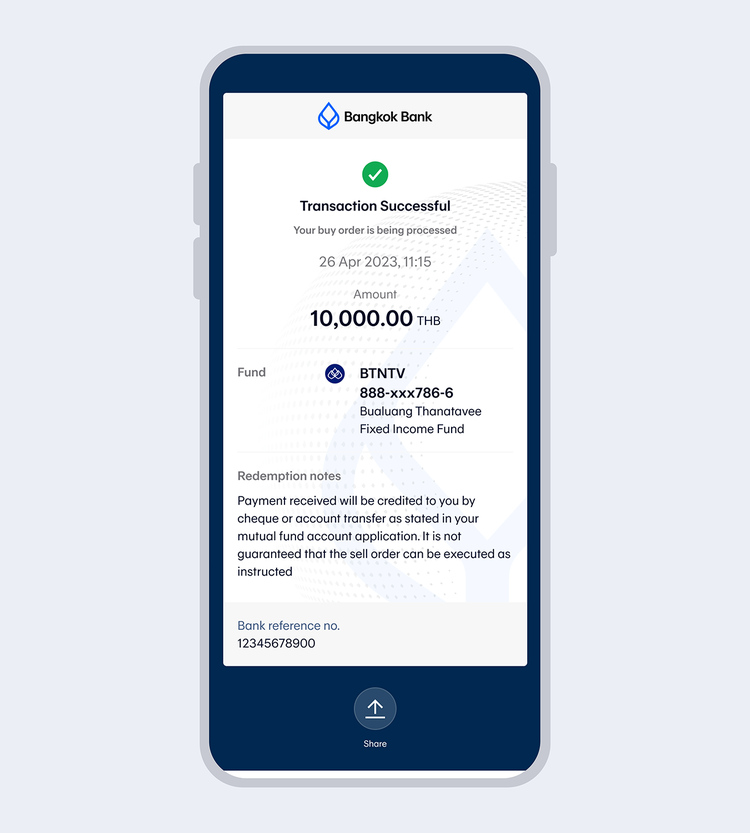
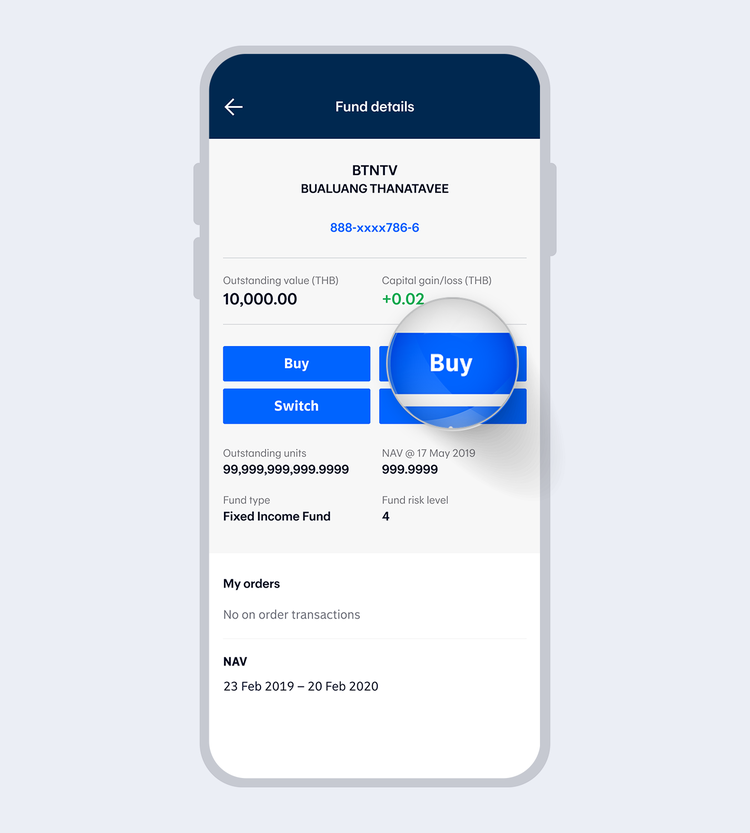
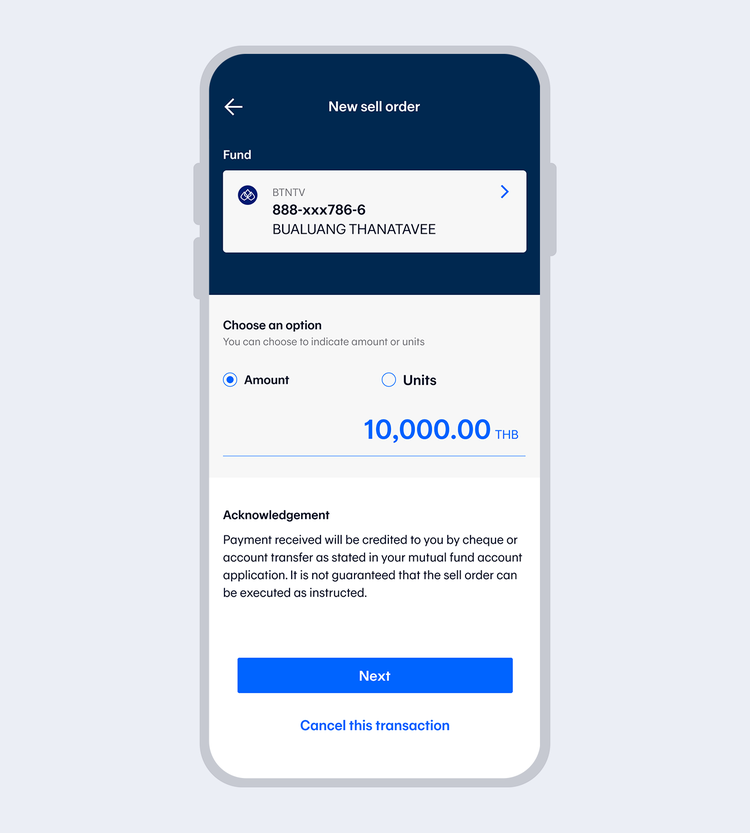
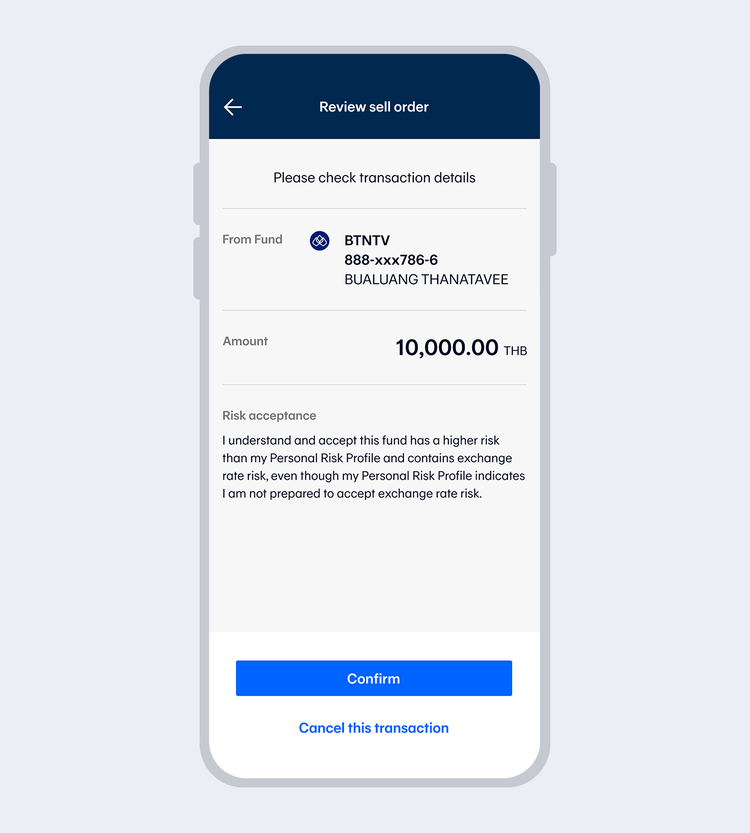
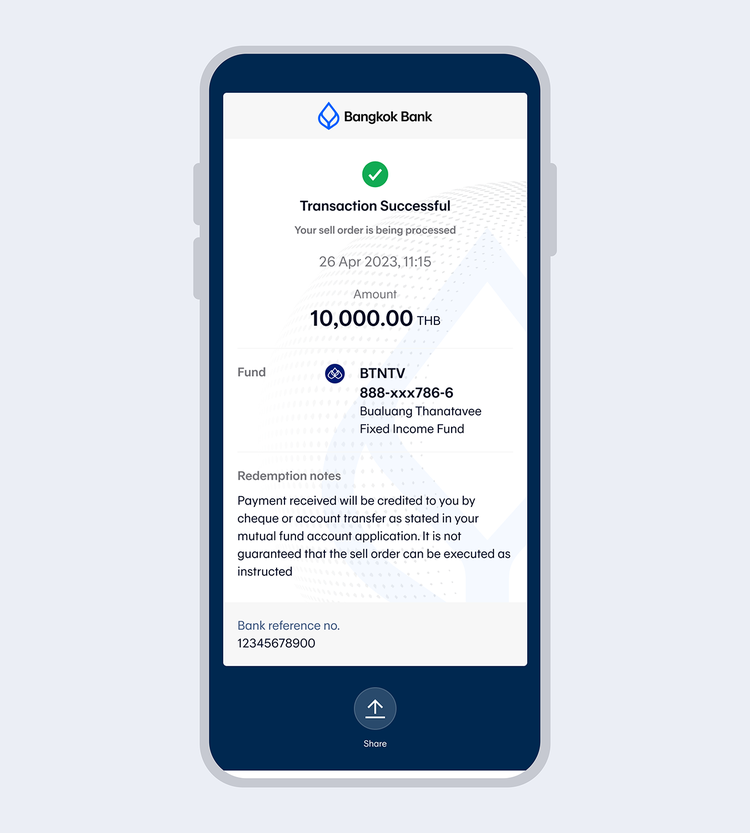
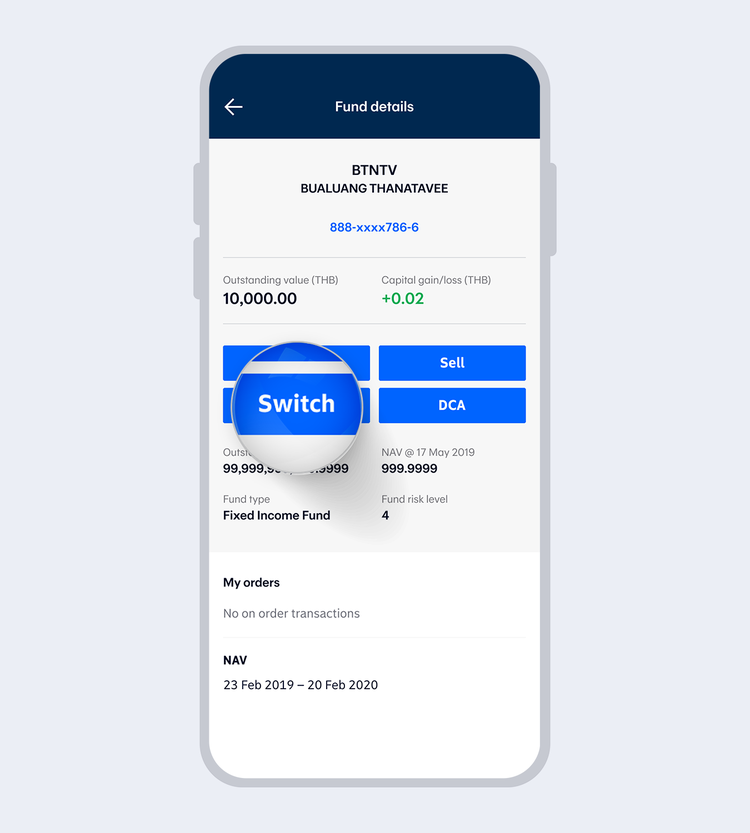
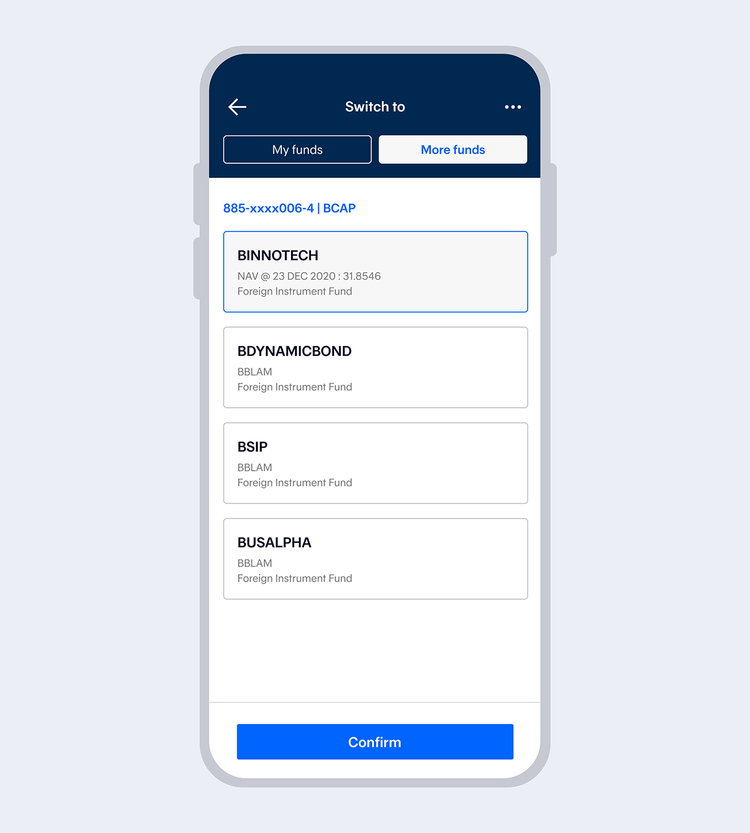
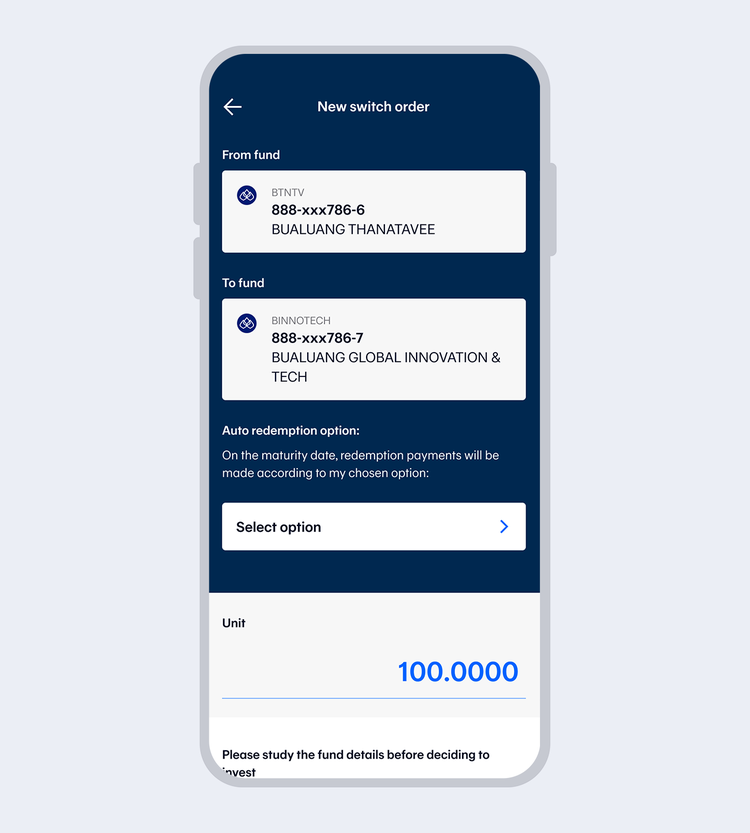
Select "My funds" to switch between your existing funds or select "More funds" to make a first-time switch order and select "Confirm"
Then read the Terms and Conditions and select "Accept"
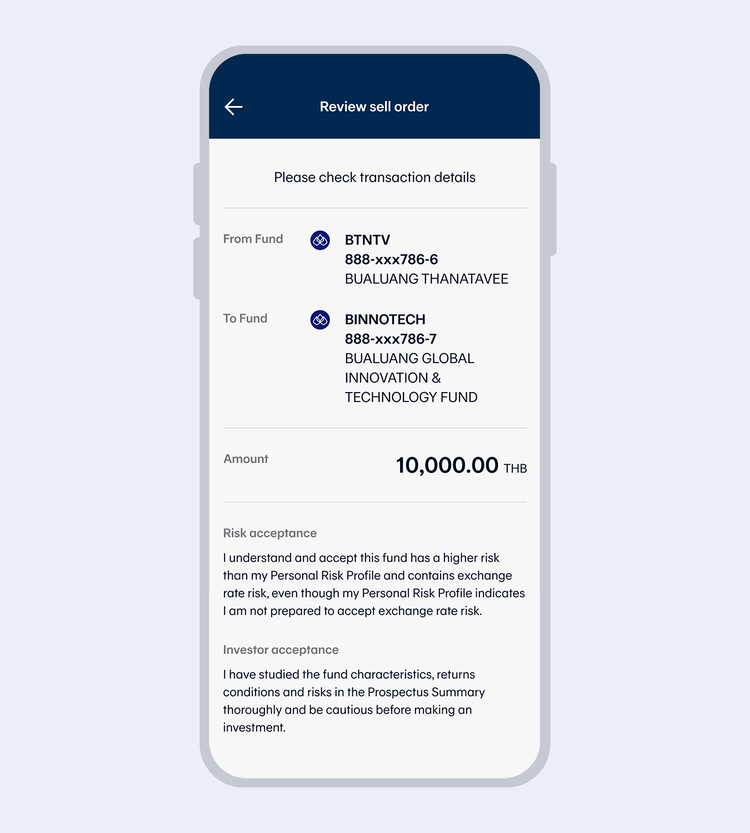
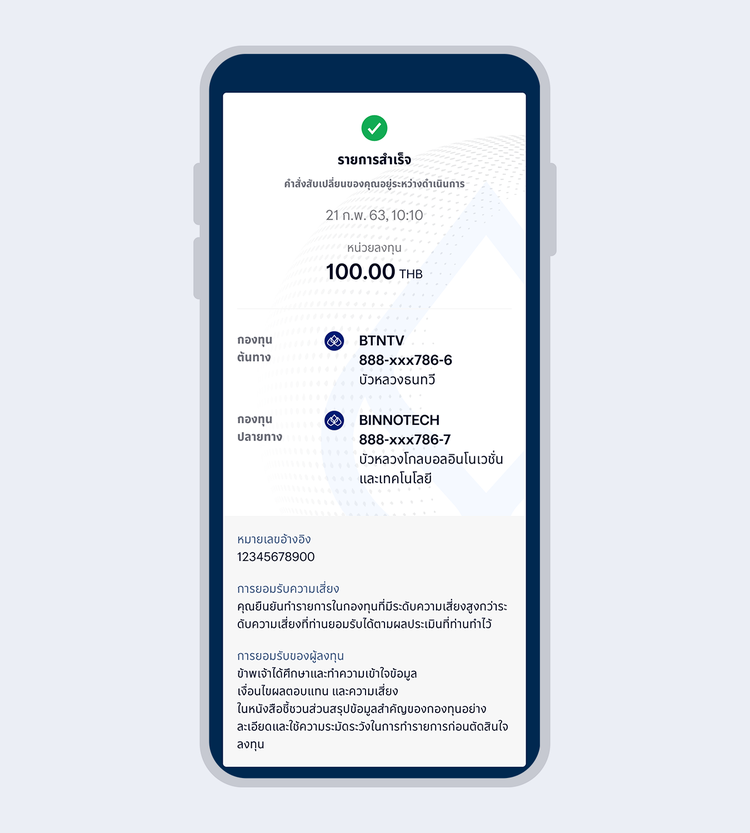
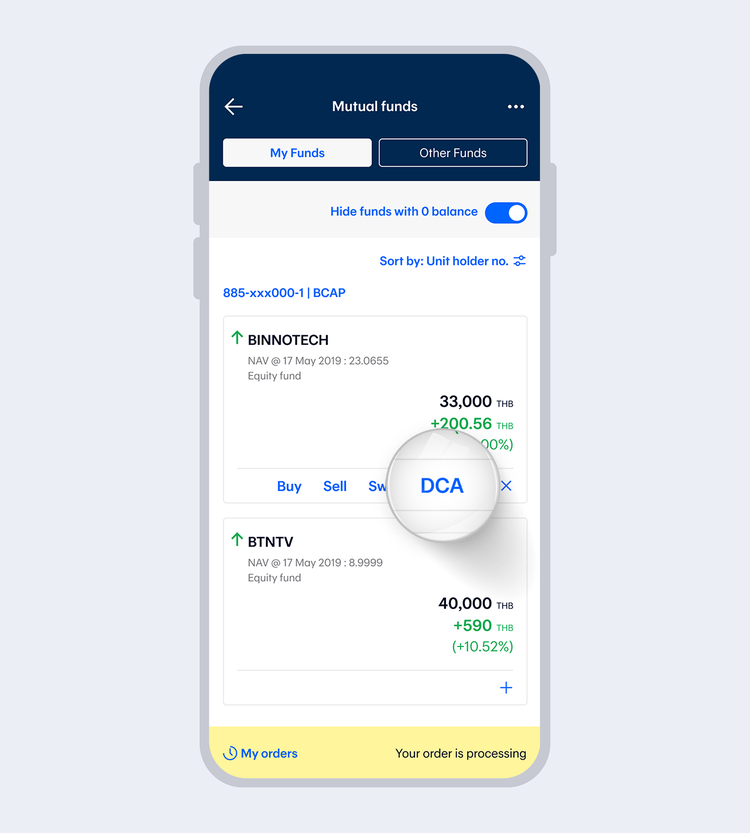
Select "DCA" from the shortcuts menu (the + sign) of your preferred fund
or
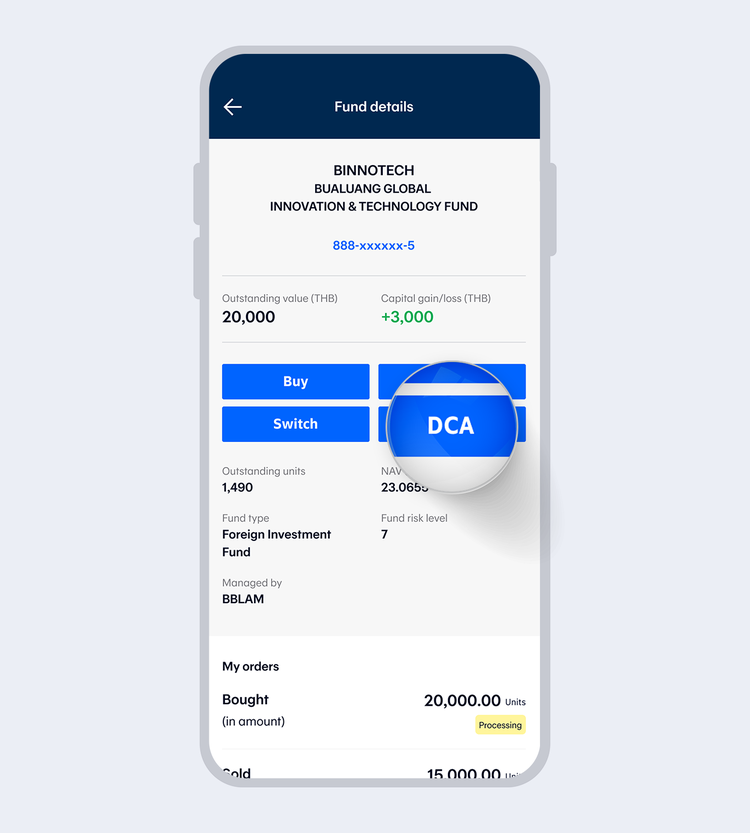
Then, read terms and conditions and select "Accept"
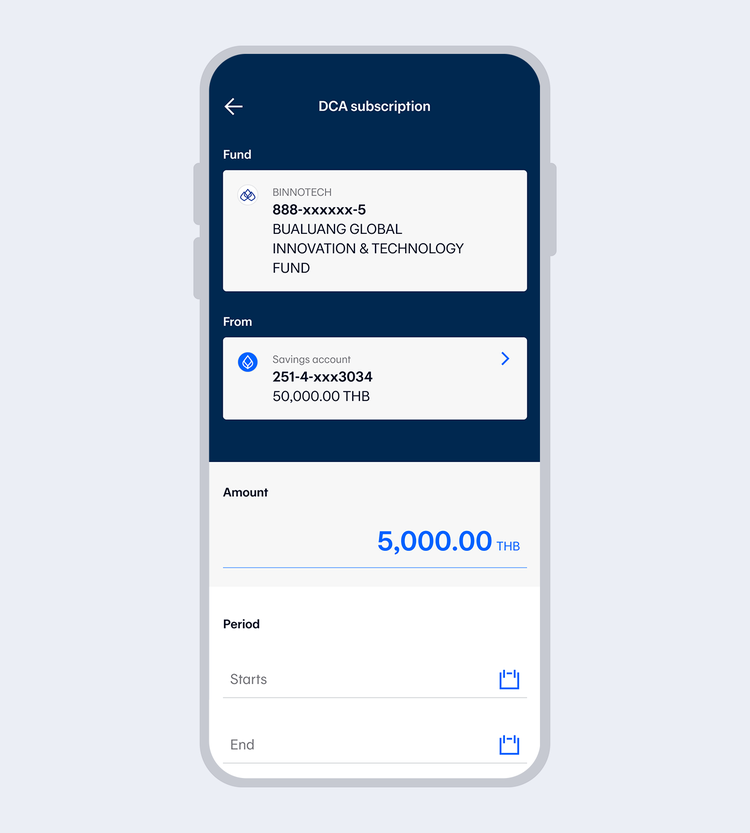
Select an account for direct debit and then select the
1) Monthly deduction amount
2) Starting and ending month and year
or select "Not specified" if you do not want to specify an ending period
3) Day of deduction,
Accept that you have read the fund details before deciding to invest and select "Next"
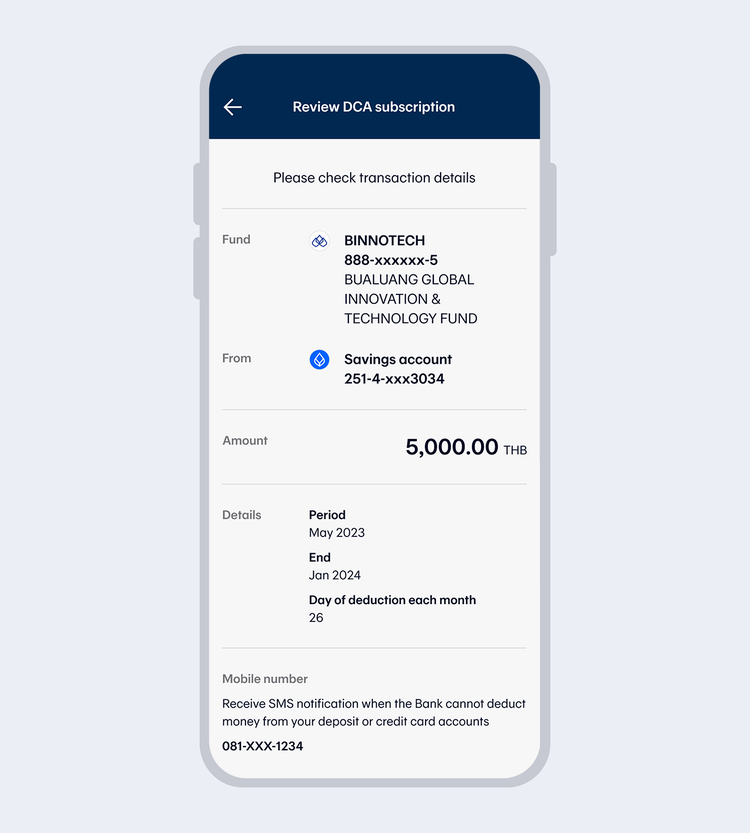
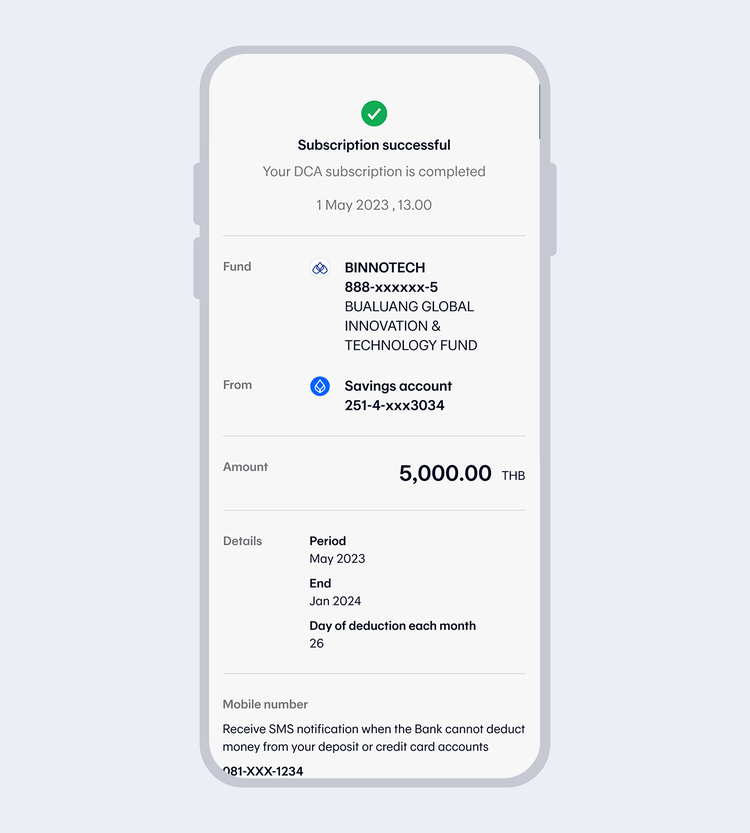
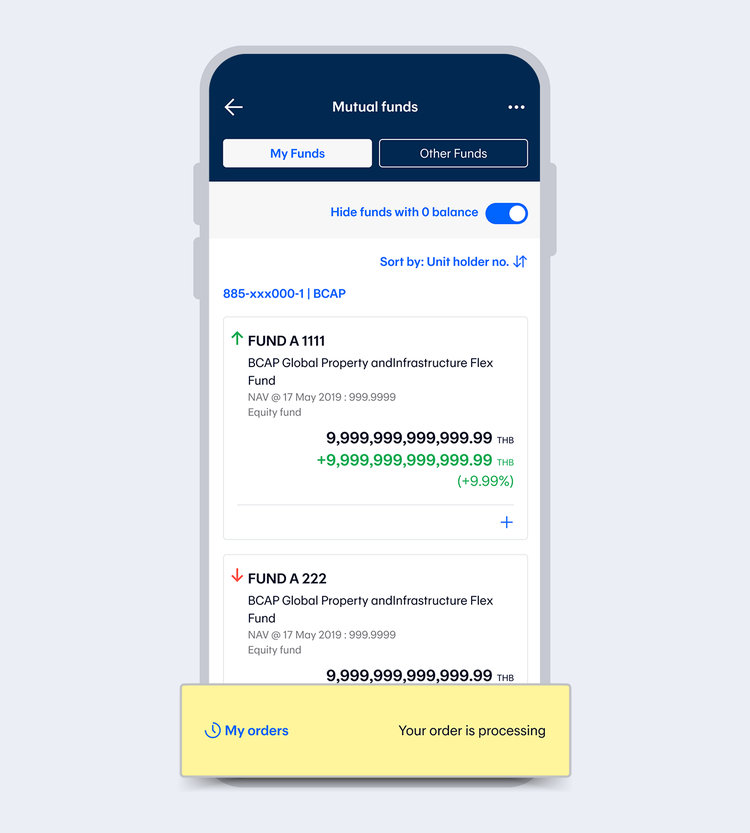
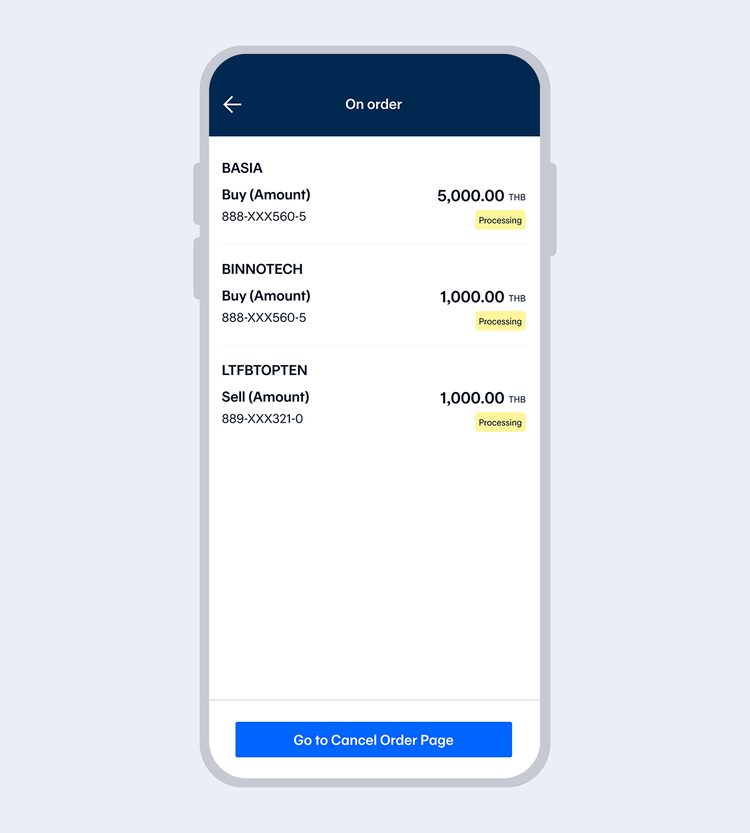
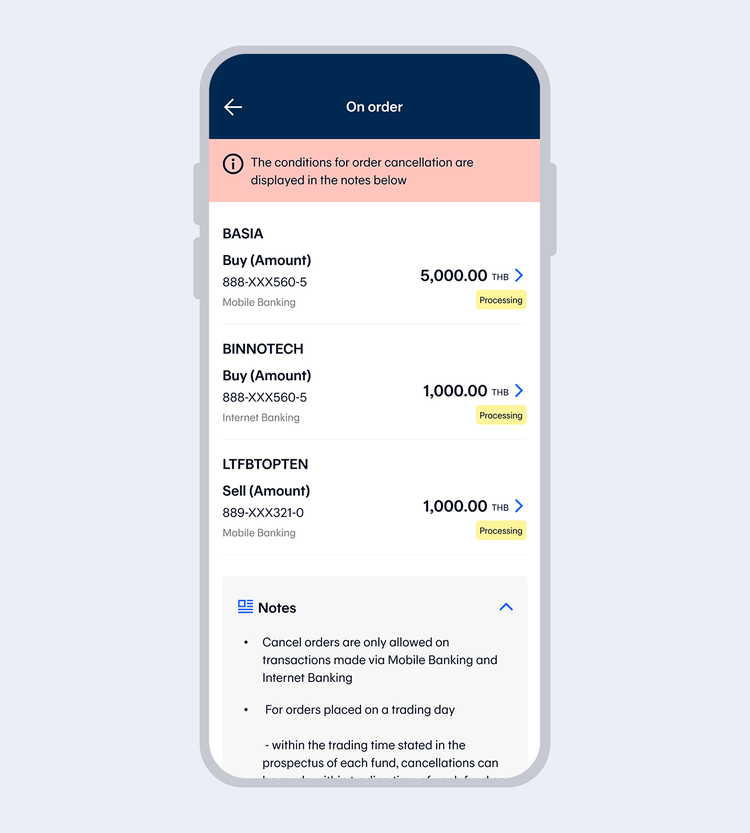
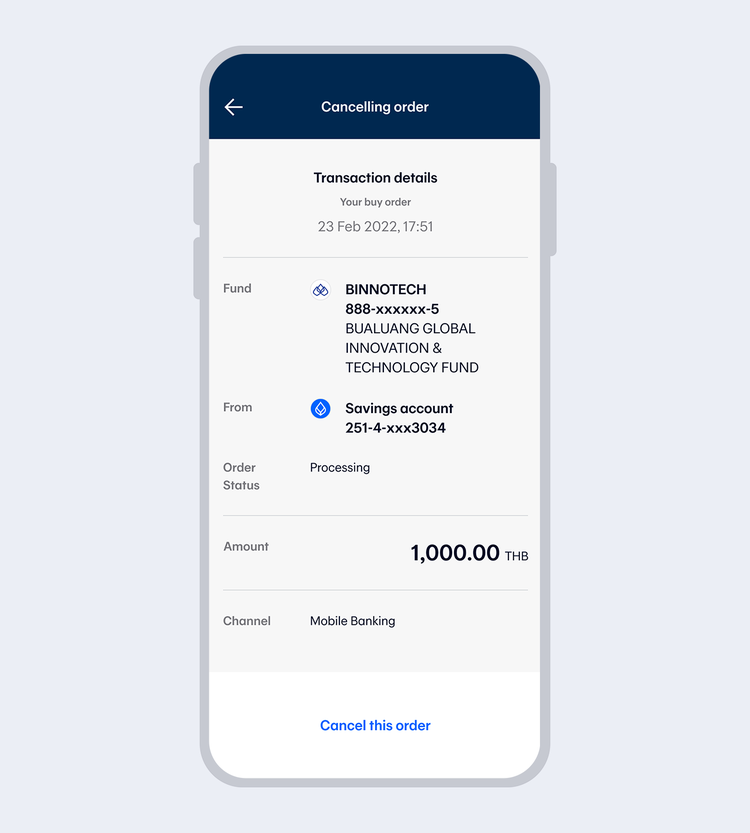
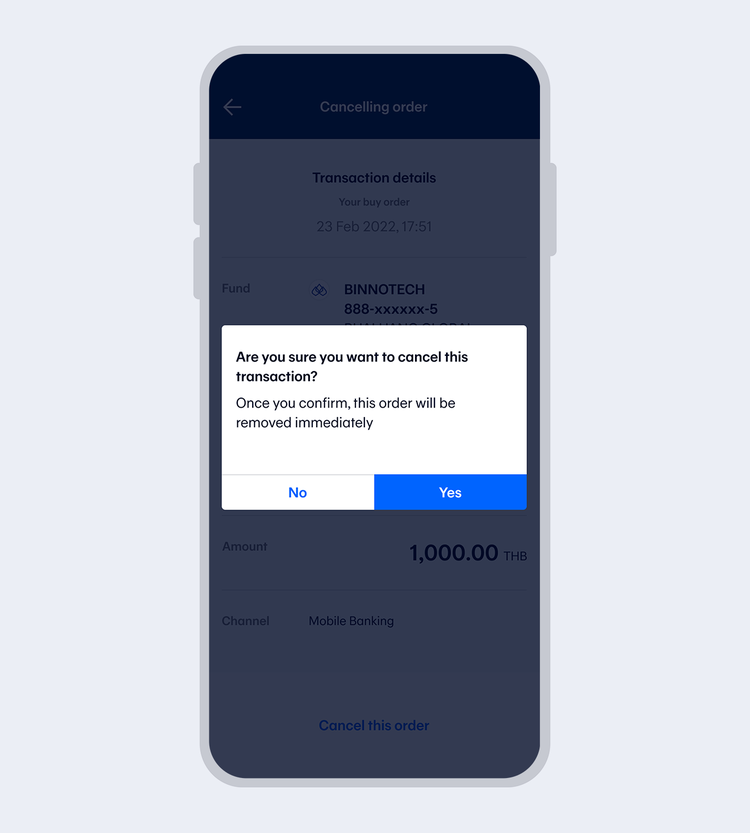
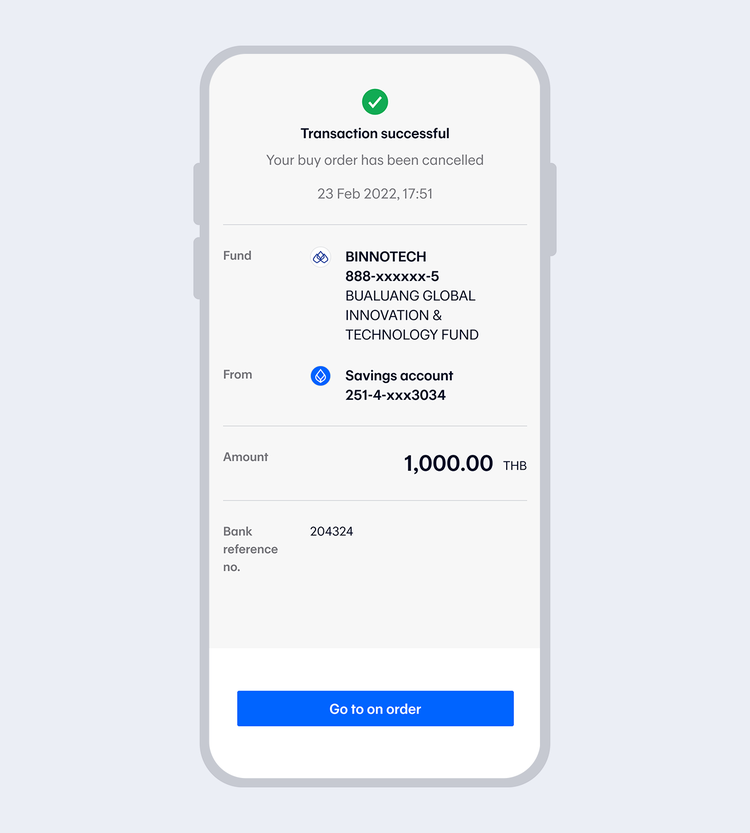
Enter your 6-digit Mobile PIN, if you accessed by Touch ID/Face ID / Fingerprint
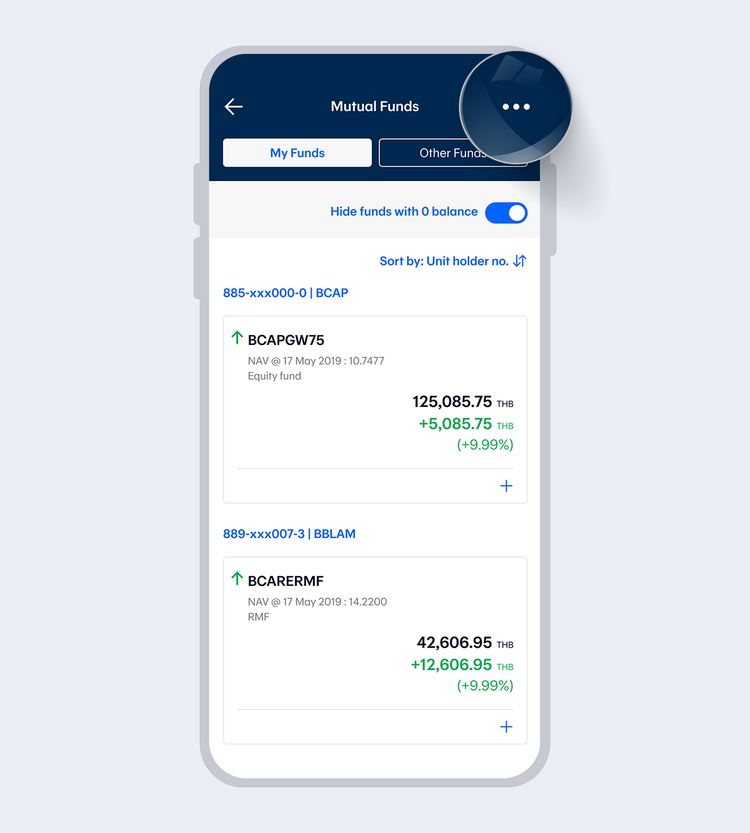
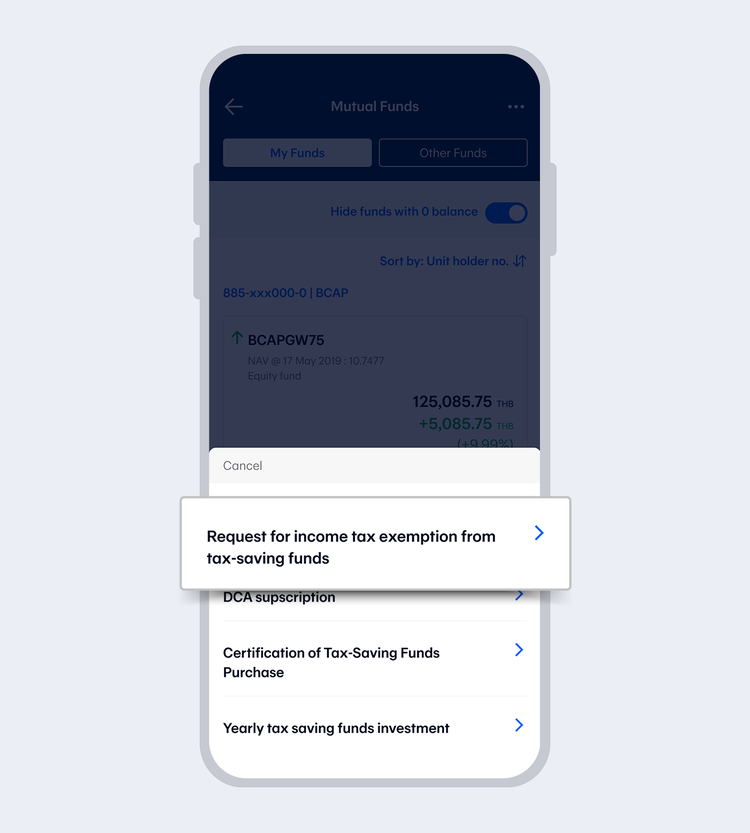
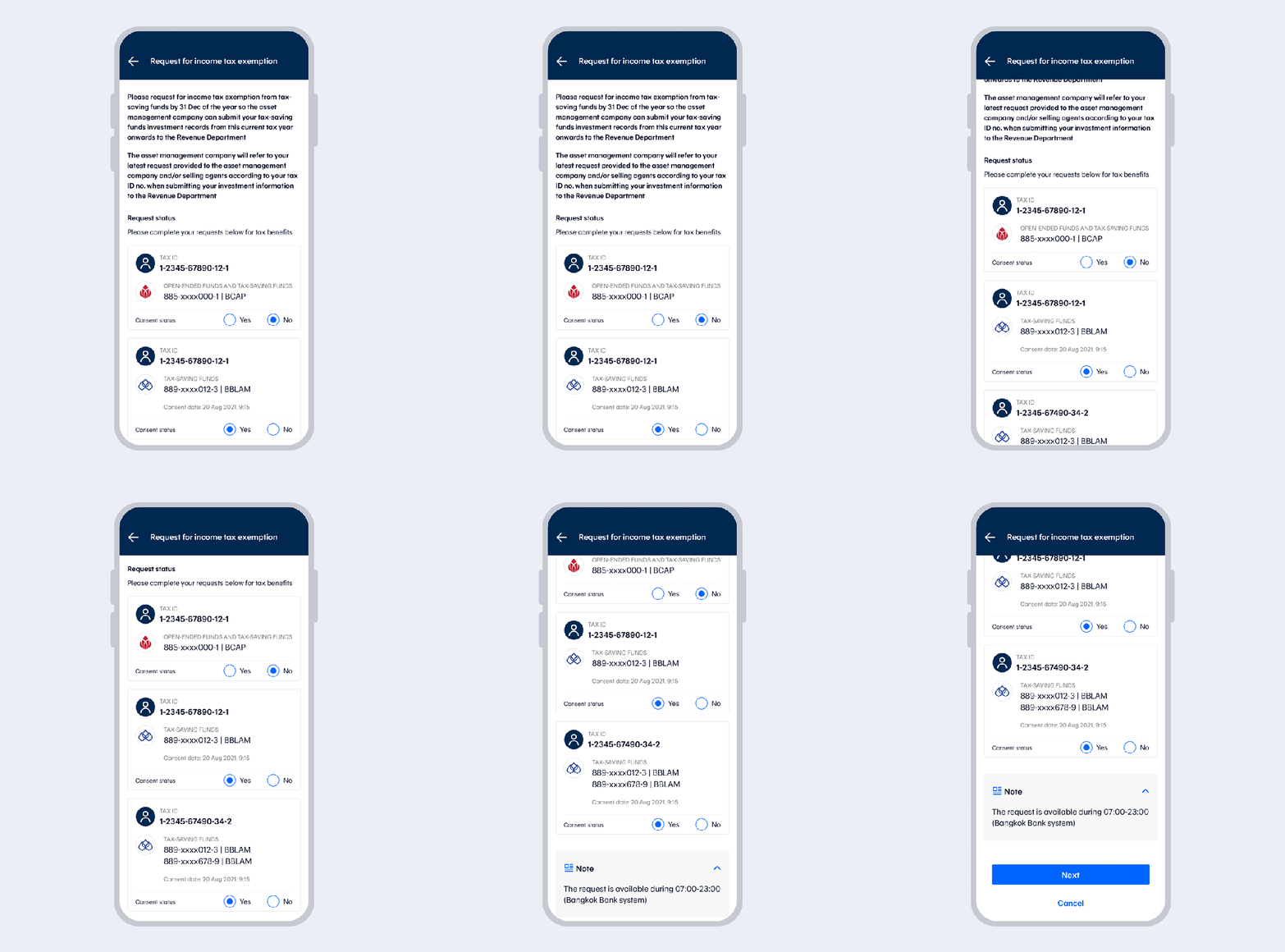
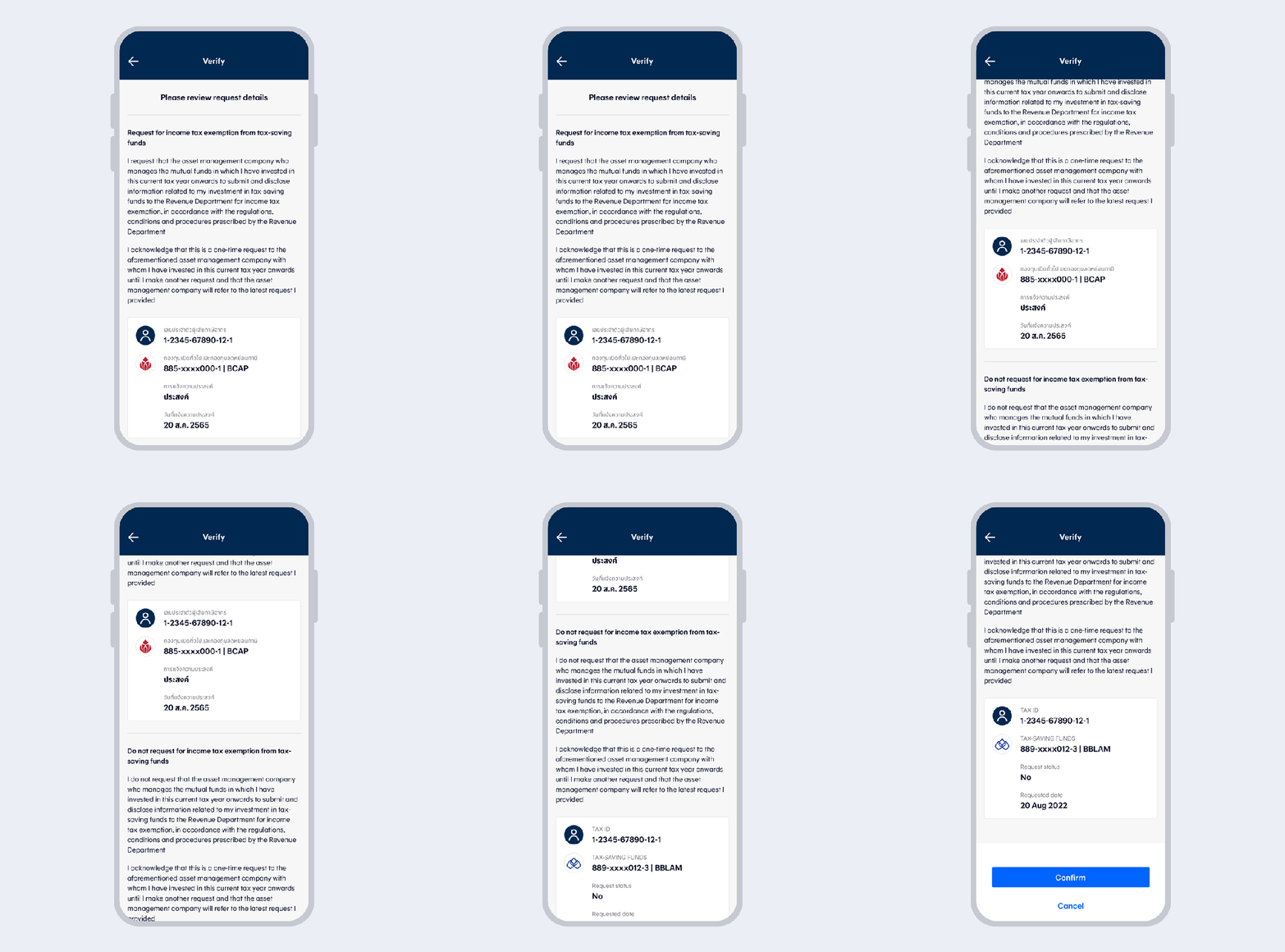
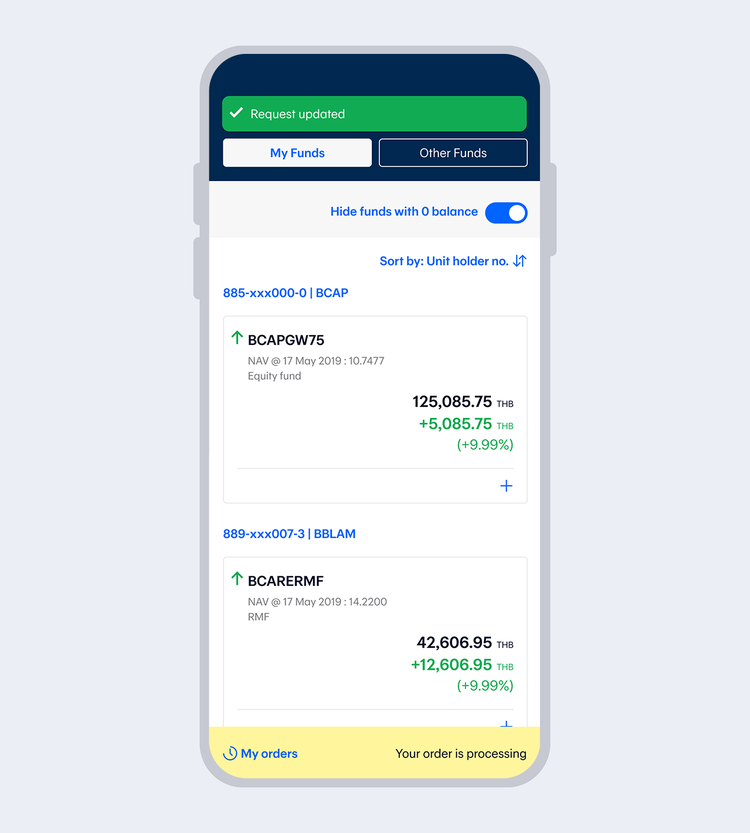
Request for income tax exemption
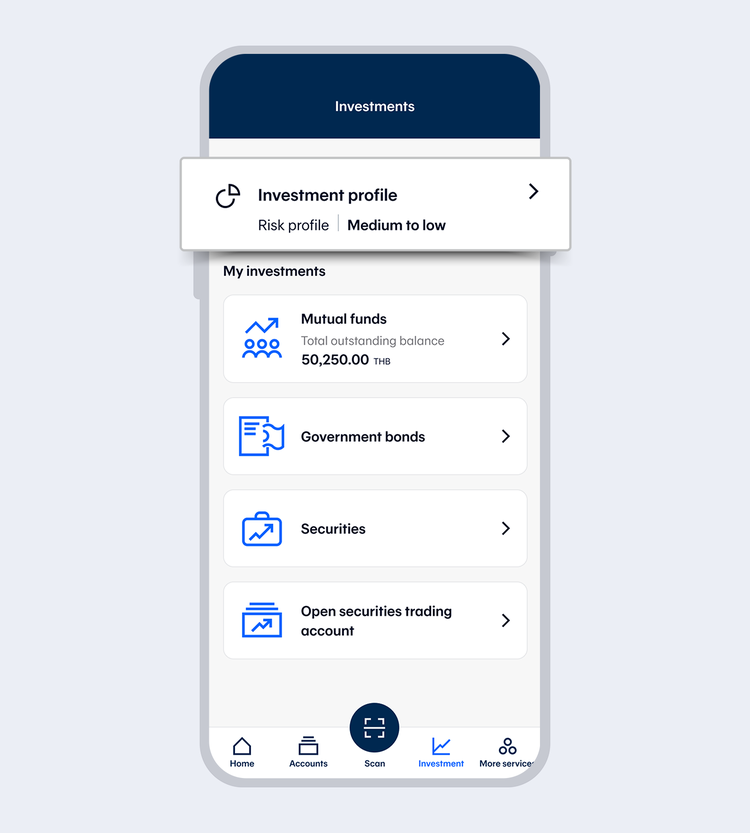
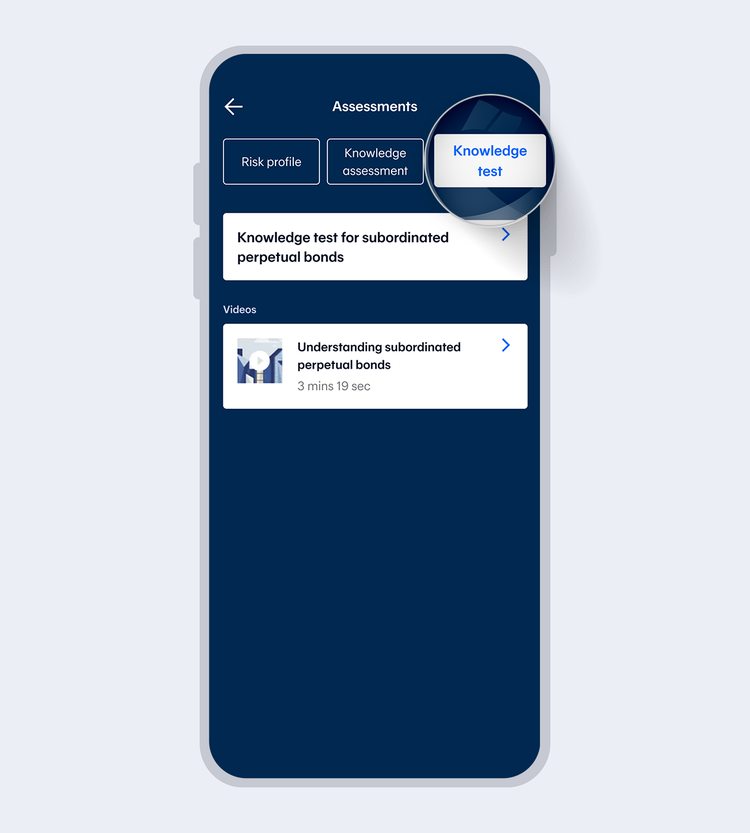
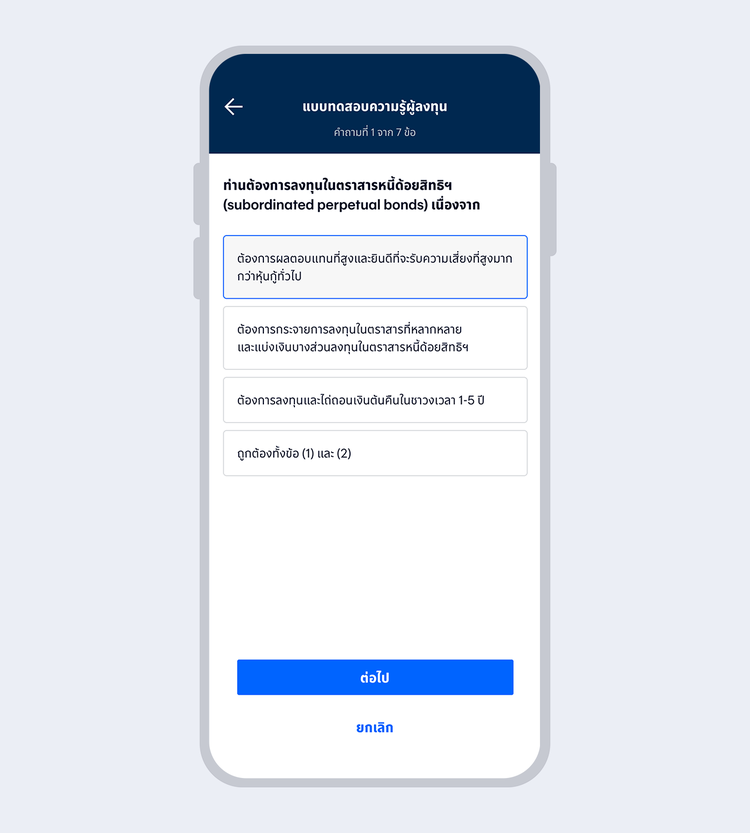
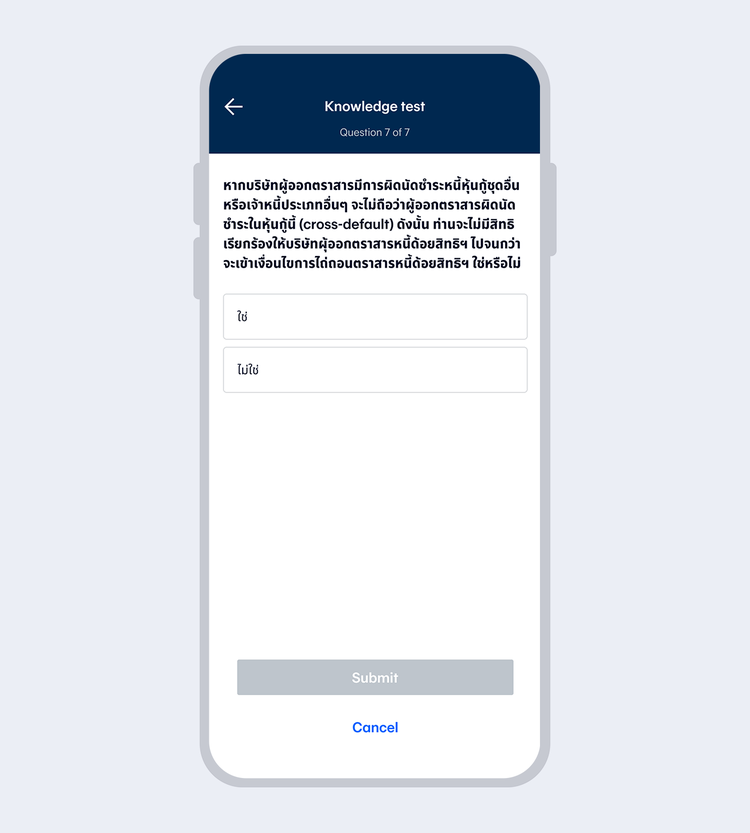
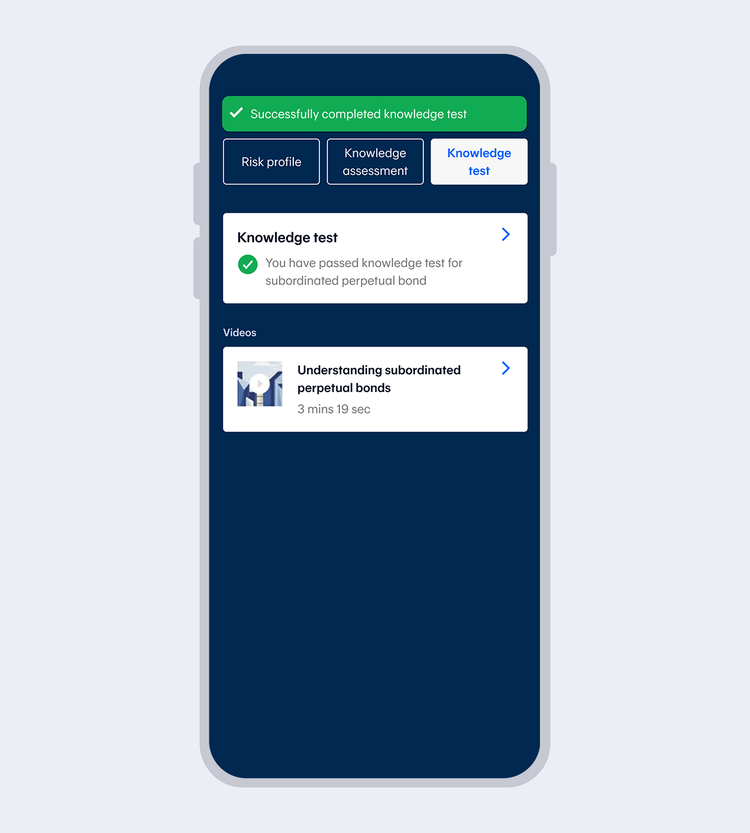
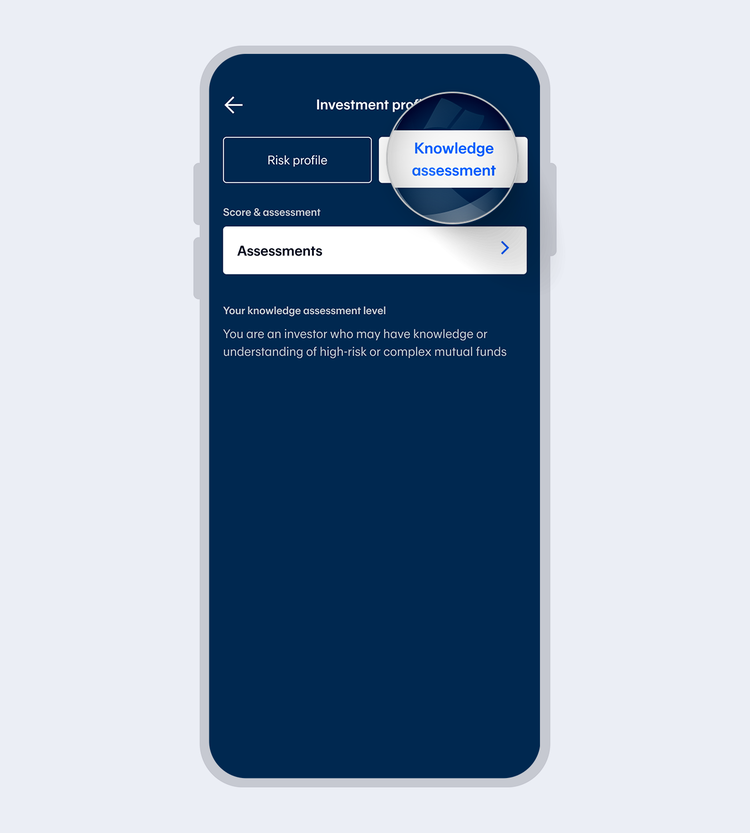
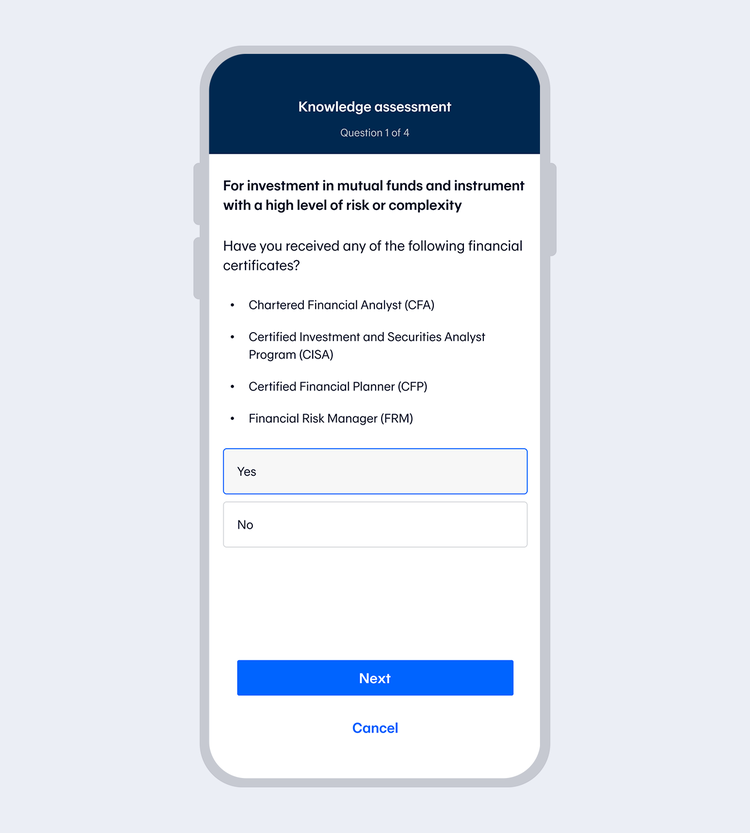
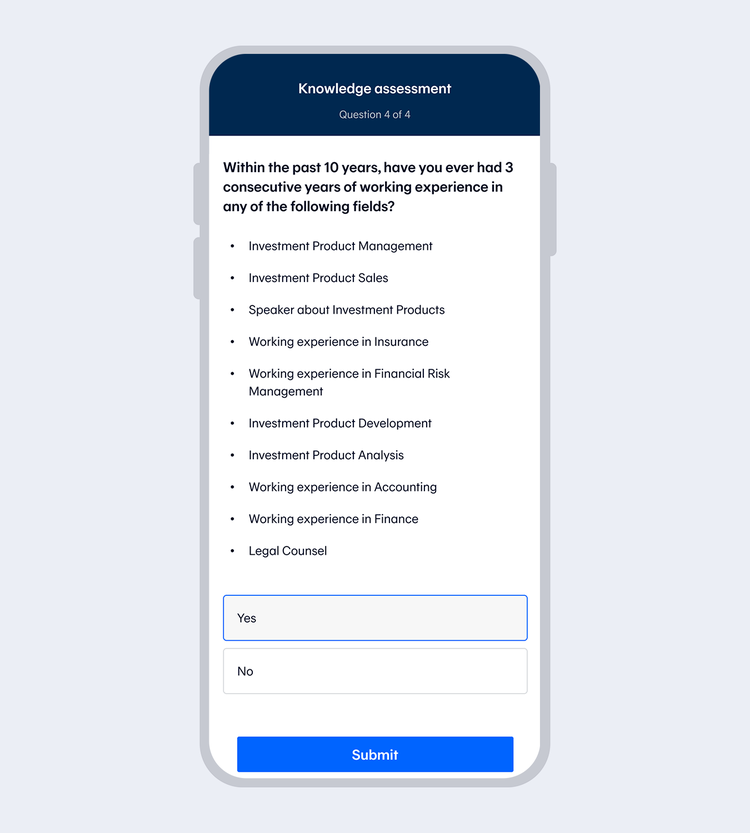
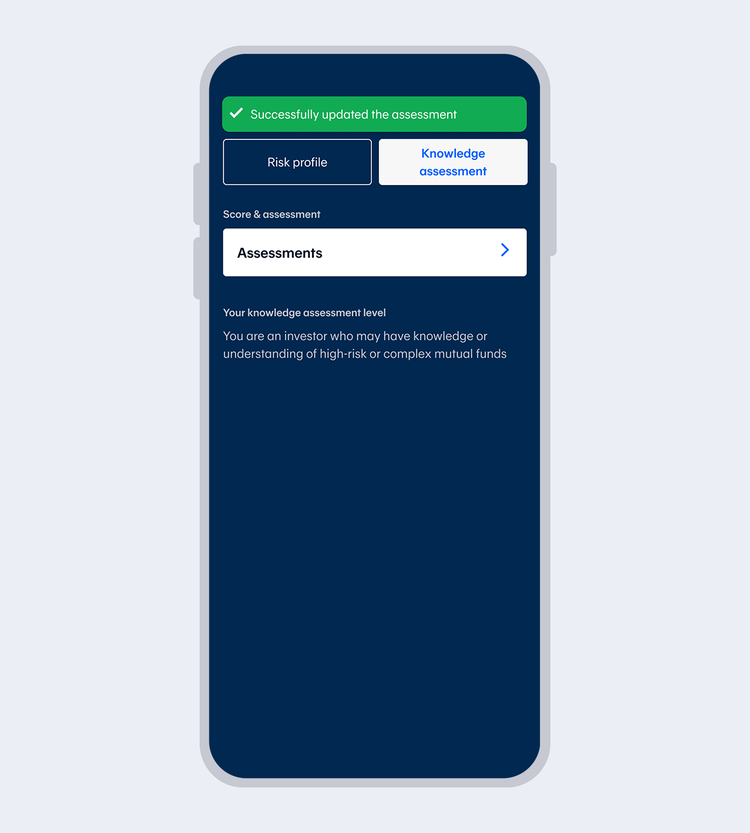
Assessments
If you want to invest in high-risk or complex mutual funds, please perform the “Knowledge Assessment”.