simple
images
false
false
Enjoy Simple and Secure Payment
scrollable

Secure
The payments are safely encrypted before, during, and after every purchase.

Safe
Google Wallet™ doesn’t share your actual card number with the business, so your payment info stays safe.

Confidential
Google Wallet™ does not sell your personal information or your transaction history to any third party or Google for targeting ads.

Convenient
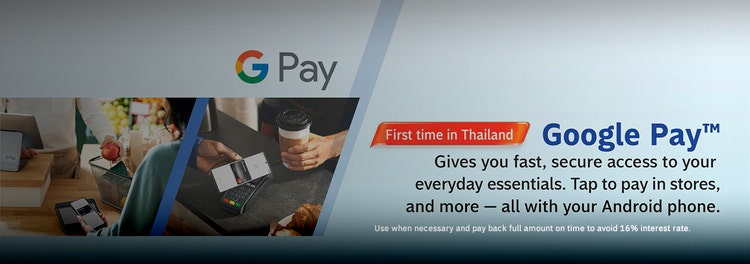
Simply tap your phone to the reader to make contactless payment with Google Pay™.
Use when necessary and pay back full amount on time to avoid 16% interest rate.
How to set up tap to pay
When you’re ready to pay, unlock your phone, hold it near the reader, and look for the check mark. That’s it!
Just add your Bangkok Bank Credit Card to Google Wallet™


Google Pay™ and Google Wallet™ are trademarks of Google LLC.
Getting started is simple
false
10000
false
showArrowsDots
withDefaultImage
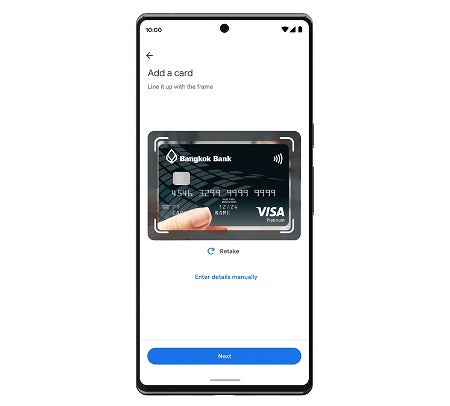
1.Launch the Google Wallet™ app or download it on Google Play. Tap ‘Add to Wallet’ and follow the instructions.
showArrowsDots
withDefaultImage
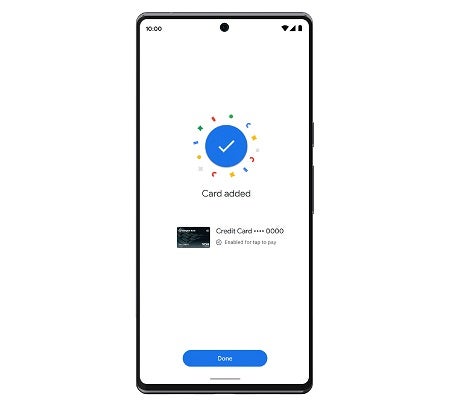
2.Verify your card if needed.
showArrowsDots
withDefaultImage
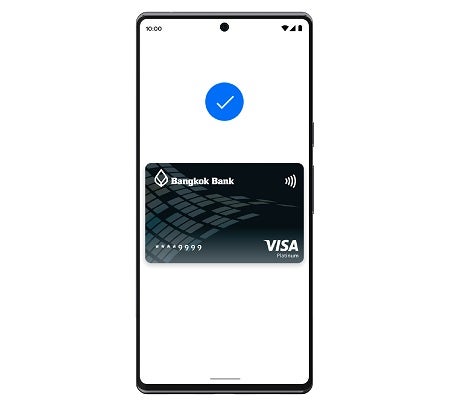
3.Then you’re all set!
showArrowsDots
withDefaultImage
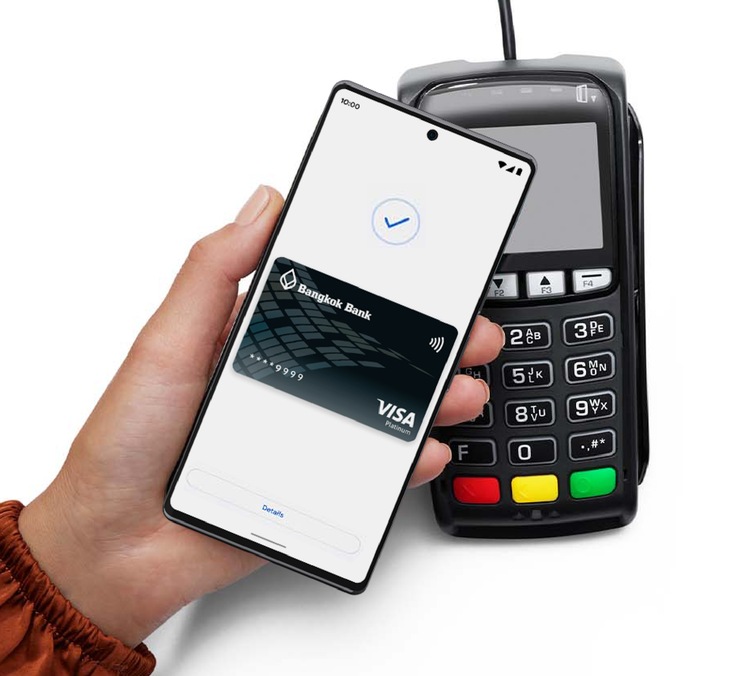
4.When you’re ready to pay, unlock your phone, hold it near the reader, and look for the check mark. That’s it!
More details

TOOLS & ASSISTANCE


