Never Miss Any Bills - Schedule Bill Payments and Top-ups with Bangkok Bank Mobile Banking
Simplify your financial life with Bangkok Bank's scheduled bill payment service. Never worry about missed payments or late fees again. Set up recurring payments for your loan, top up, insurance, and other bills with just a few taps on your Bangkok Bank Mobile Banking and enjoy peace of mind knowing your bills are always paid on time.
What is Scheduled Bill Payment and Top-up?
Scheduled Bill Payment and Top-up is a feature that allows you to schedule payments for various bills in advance via the Bangkok Bank Mobile Banking. Whether it's for auto finance, mobile top-up, or other services, simply enter the payee information, amount, and due date. The system will automatically process the payment on the specified date.
Why Use Scheduled Bill Payment?
- Convenience: No need to remember your bill due dates. Enjoy the convenience of automatic payments with just a one-time setup.
- Financial Planning: Plan your spending efficiently by knowing the exact date of each withdrawal, allowing you to maintain adequate funds in your account.
- Flexibility: Schedule one-time, weekly, or monthly payments.
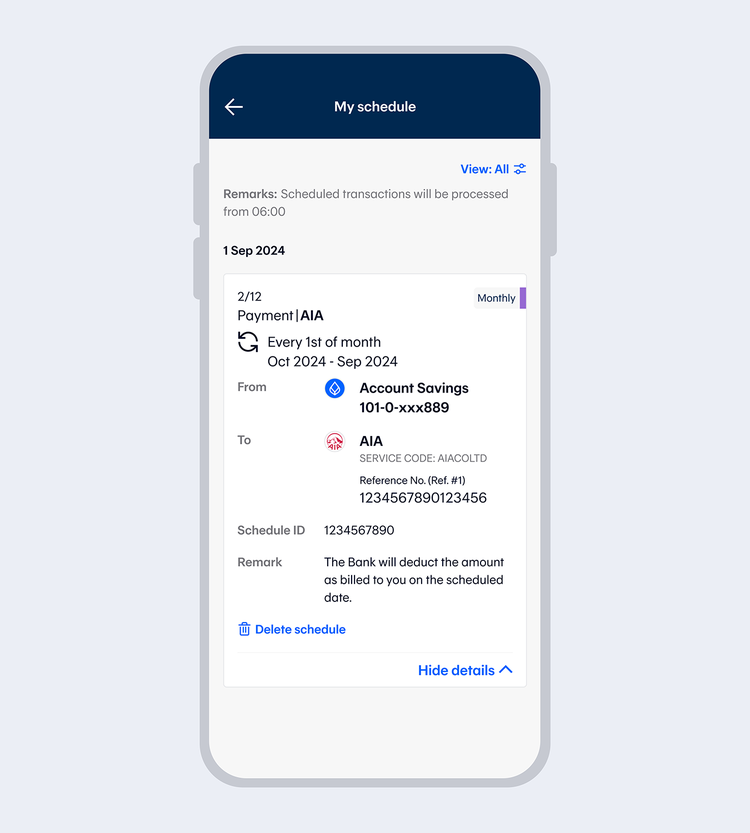
- Easy to manage: Check, cancel, or reschedule your automated payments anytime you need.
Benefits:
- Avoid late fees and penalties.
- Maintain a good credit score with on-time payment.
- Save time and never have to fill in all the info for each payment.
Terms and Conditions:
- Number of Scheduled Payments: Set a maximum of 12 scheduled payments per transaction.
- Scheduling Period: Schedule payments for the next day or up to 1 year in advance.
- Transaction Limit: Allow up to 2 million baht per day per person.
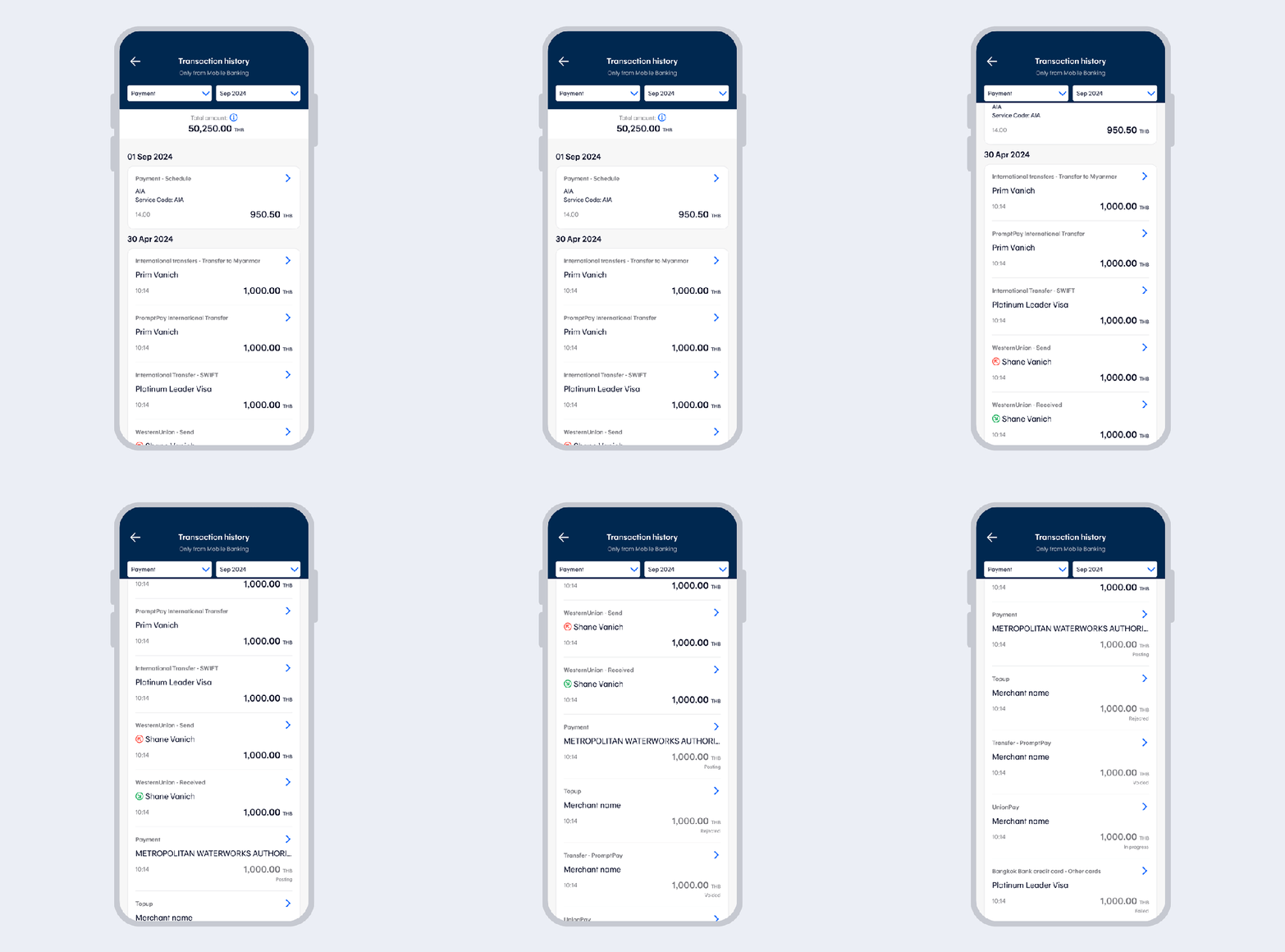
- Transaction Status: Receive in app notification for both successful and unsuccessful transactions.
Supported Service Providers
|
|
For those who would like to schedule transfer, you can find more details at “Scheduled Transfer Service via Bangkok Bank Mobile Banking”.
How to schedule bill payments and top-ups
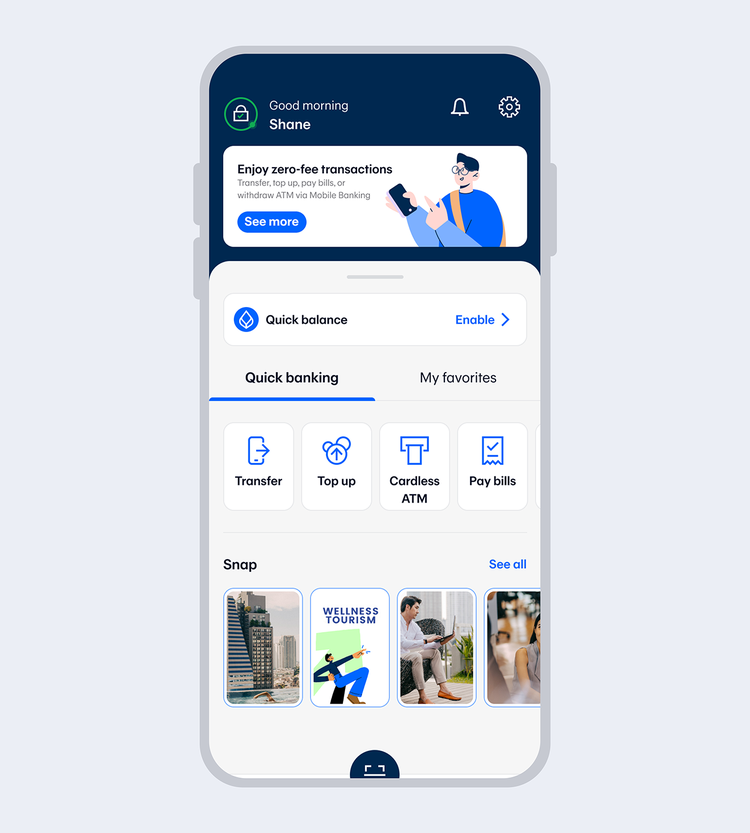
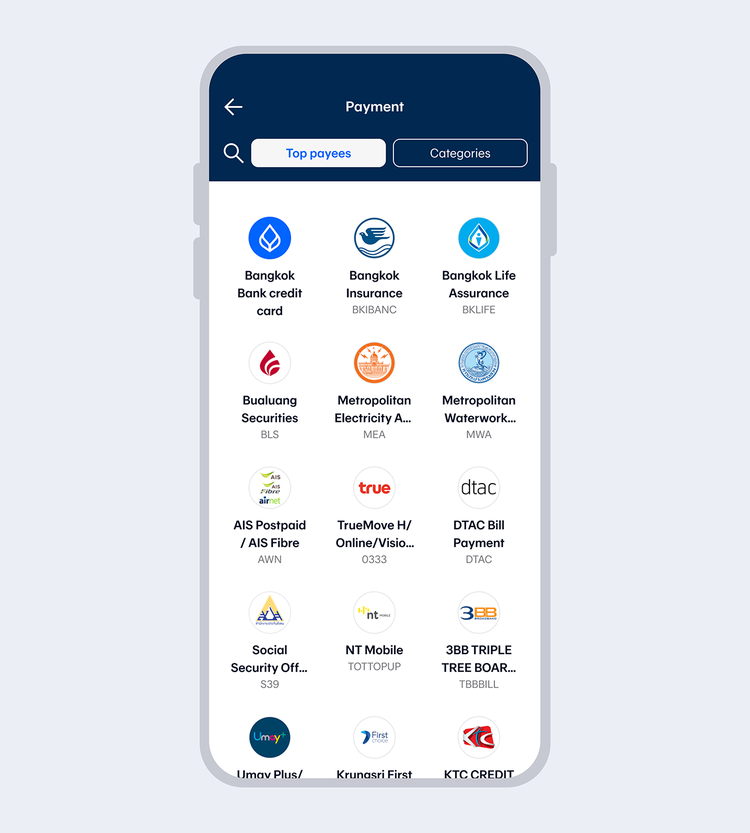
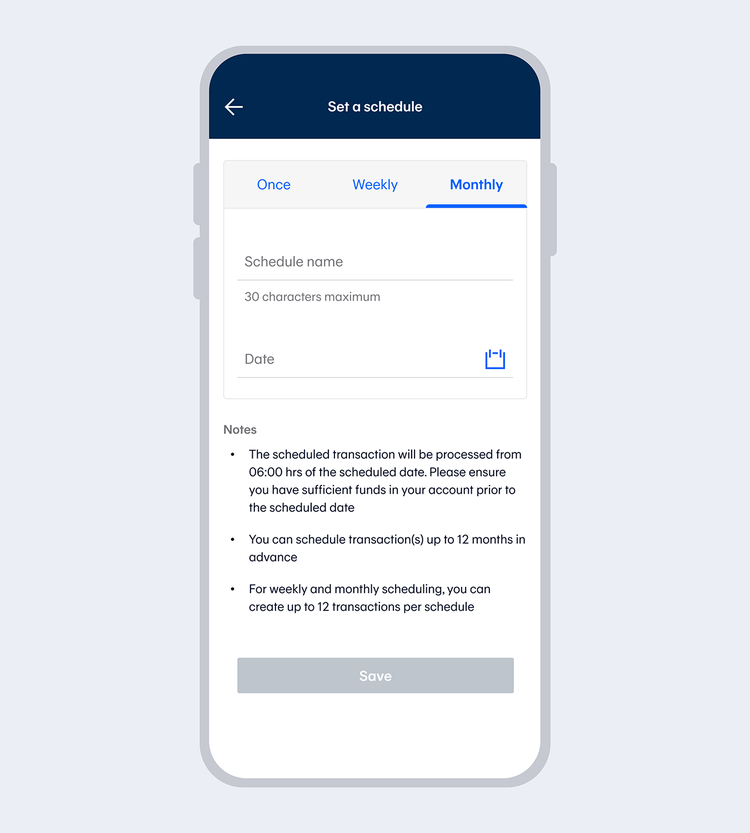
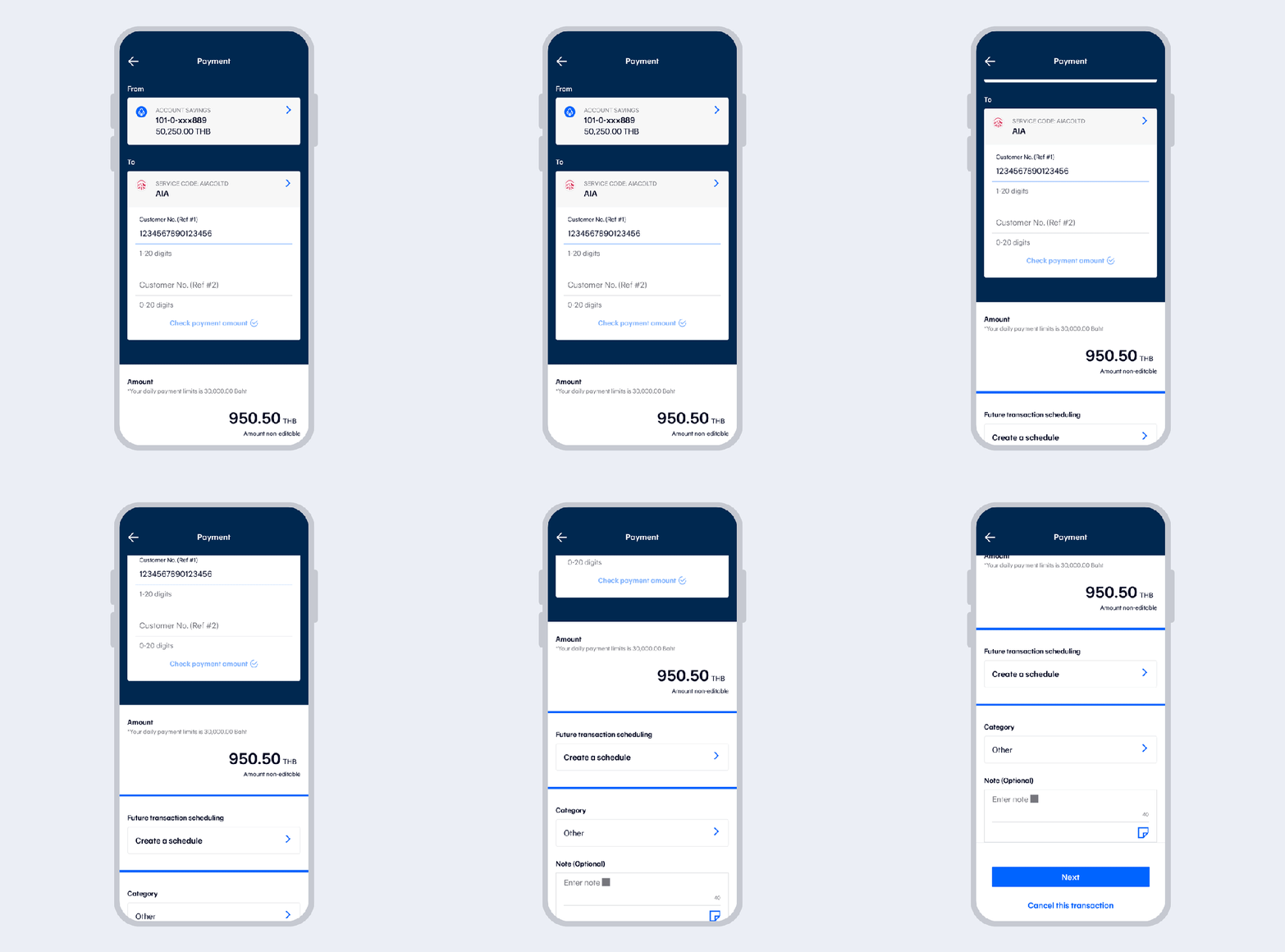
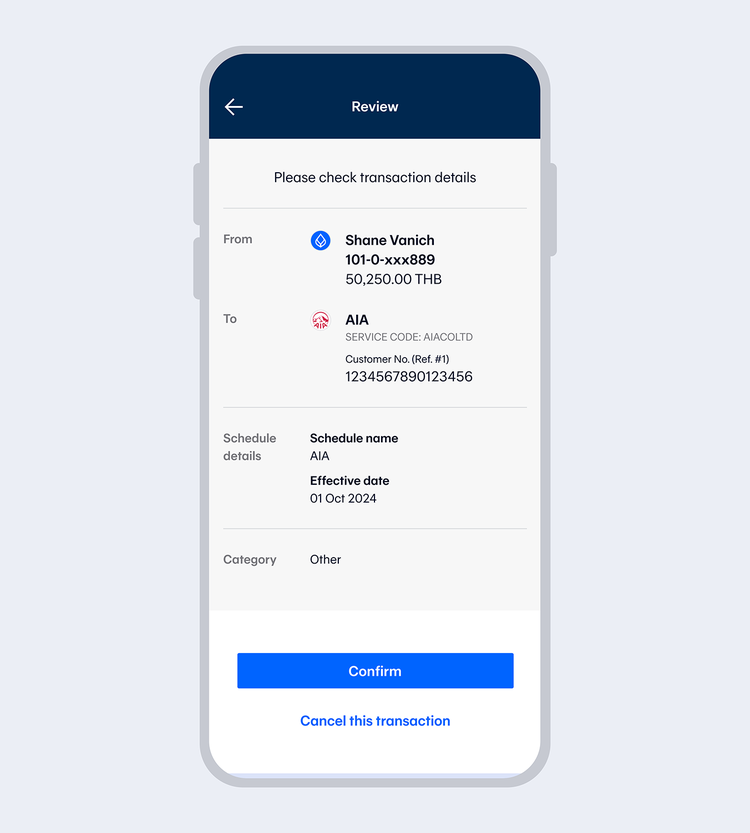
Review the details or enter the amount to be paid, then select “Next”.
Remark: There are 2 scheduled payment methods
- Automatic: The system will automatically deduct the amount retrieved from the service provider on the bank's processing date.
- Fixed amount: You can specify the amount for payment.
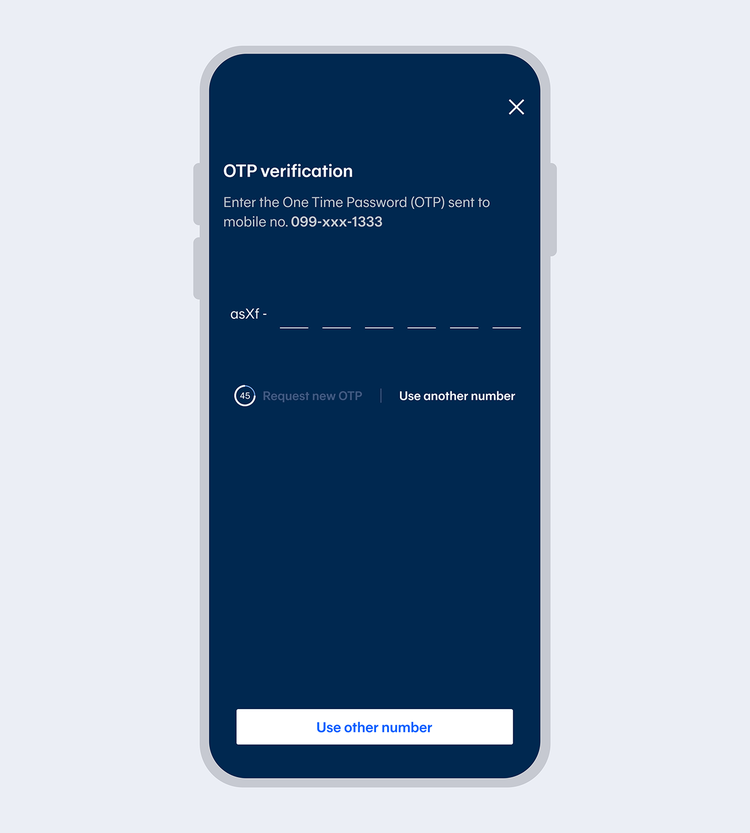
Enter OTP.
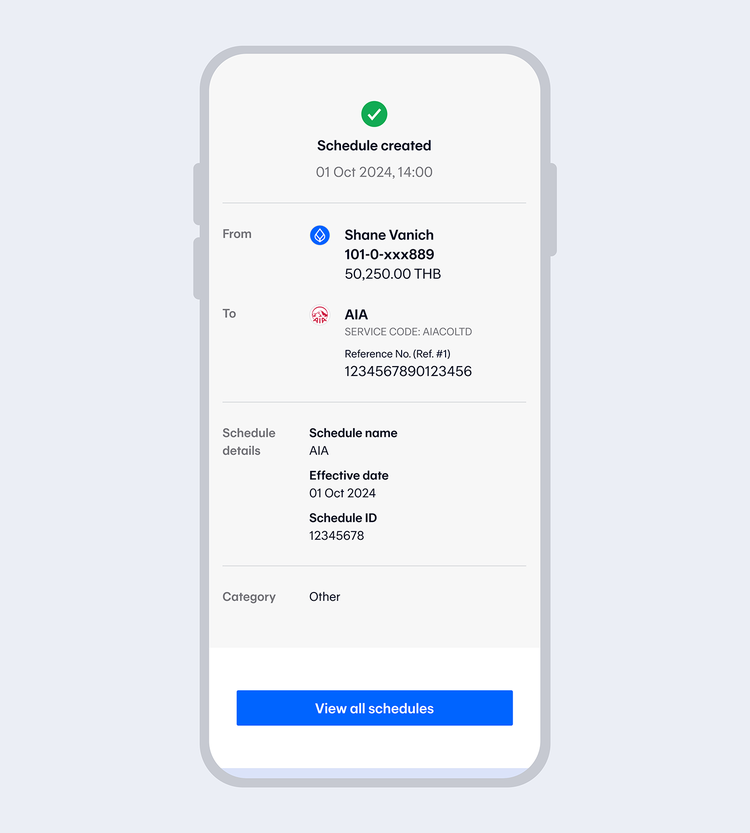
Once the payment has been scheduled, you will receive an email.
Remark: Notifications will only be sent to verified email addresses.
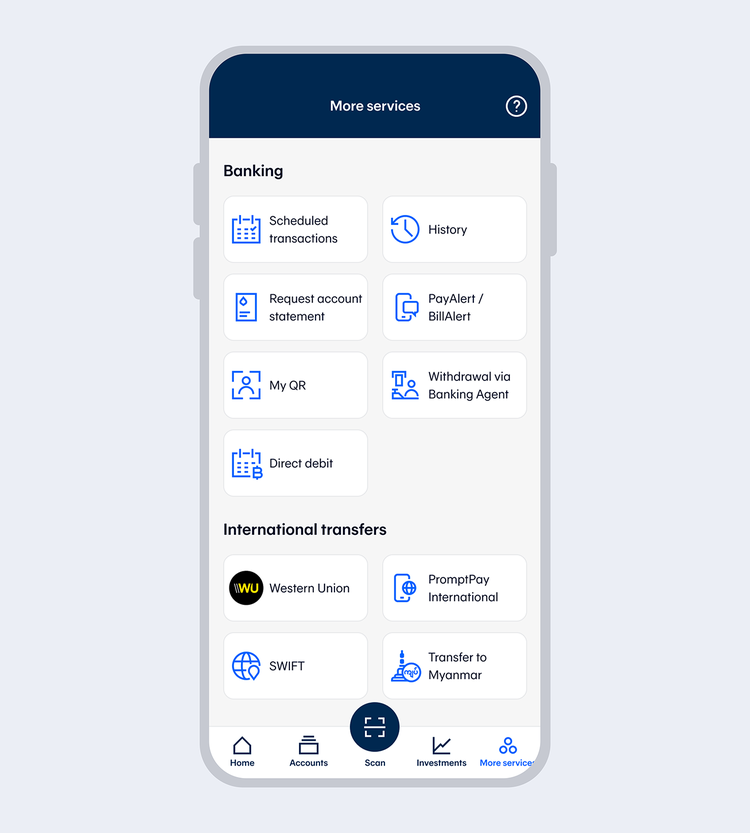
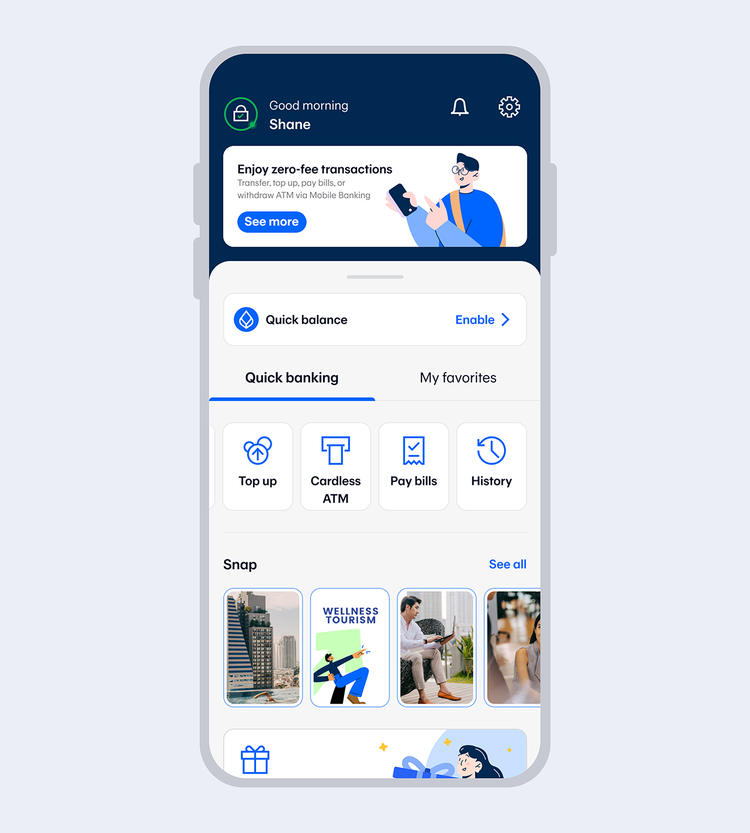
Select “My schedules” from “More services”, “Top up”, or “Pay bills”.
Recommended Features
Enhance your online banking experience with Bangkok Bank Mobile Banking