carousel
left
cards-3
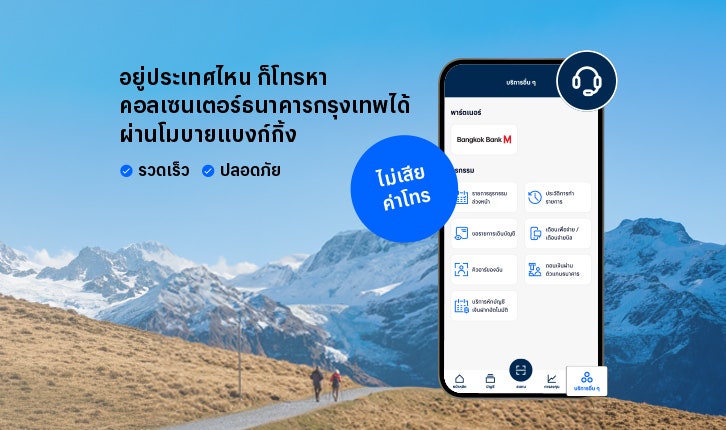
Calls Bangkok Bank’s Call Center Via the Internet
Contact Bangkok Bank's call center from anywhere, both domestically and internationally, with internet calling feature services–no call charges–through the Bangkok Bank Mobile Banking App.
default-button
false
card
true
false
true
false

Scan & Pay without a PIN with Quick Pay
Create a shortcut that makes payments faster, without needing to enter your PIN. It's convenient, quick, and seamless every time even if you're in a rush, whether you're scanning to pay at a store or for tickets.
default-button
false
card
true
false
true
false
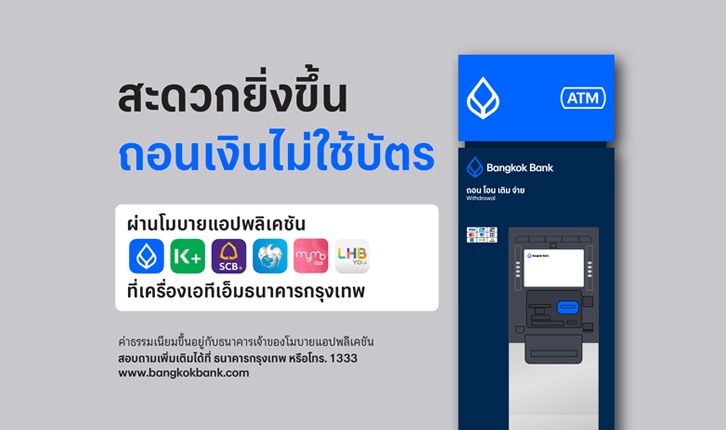
Cardless Withdrawal
Learn to make cardless and interbank withdrawals via the Bangkok Bank Mobile Banking and adjust your limits using face scan for added security.
default-button
false
card
true
false
true
false
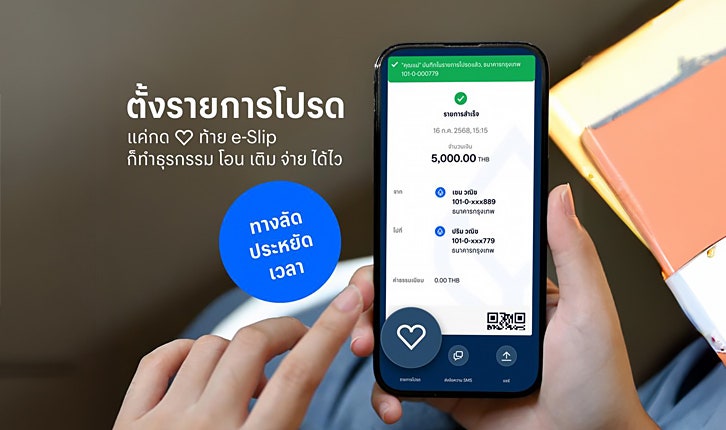
Adding Favorites
Make frequent transfers or bill payments easier by adding them to your "Favorites". Set it up once and skip the hassle of entering account details every time. Quick and convenient via the Bangkok Bank Mobile Banking app.
default-button
false
card
true
false
true
false
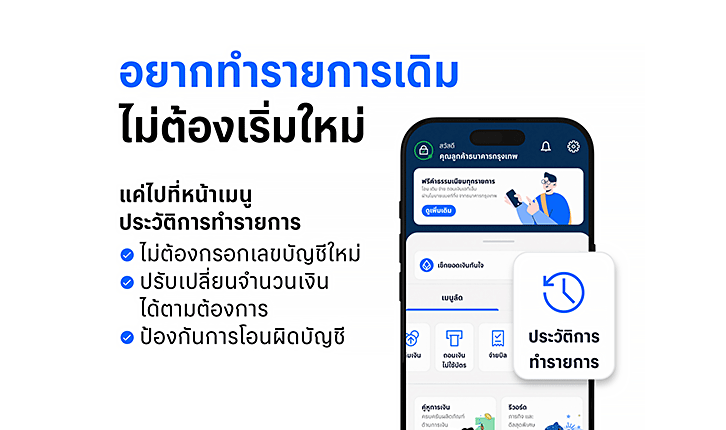
Easily transfer to the same recipient again - just tap "Repeat transaction"
the "Repeat transaction" feature in the transaction history menu.
Simply select a previous transaction, adjust the amount, and transfer right away, helping prevent transfer errors. Available via the Bangkok Bank Mobile Banking app.
default-button
false
card
true
false
false
false
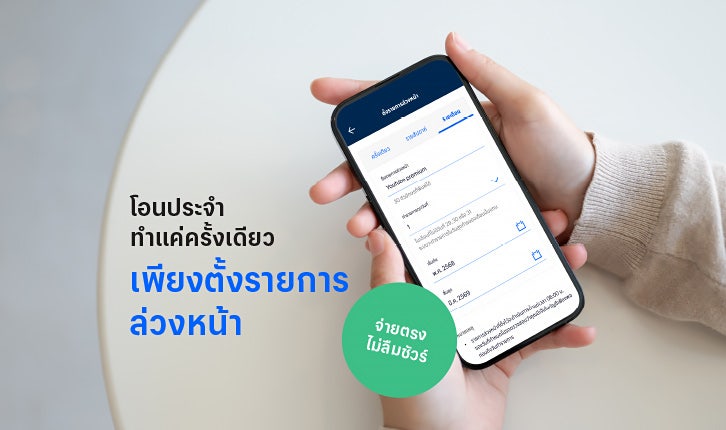
Scheduled Transfer Service
Whether it's streaming fees or salaries, never miss a payment!
Reduce your monthly expenses management burden with the "Scheduled Transfer" service via Bangkok Bank Mobile Banking. This service helps you plan your payments efficiently.
default-button
false
card
true
false
false
false
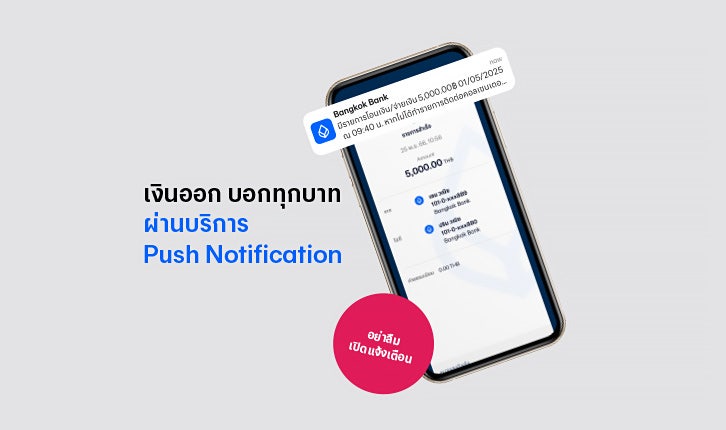
Free push notifications
Stay updated about your account activity by setting up free outgoing transfer alerts, notifications about promotions and excellent services from Bangkok Bank. Get instant push notifications via Bangkok Bank Mobile Banking
default-button
false
card
true
false
false
false

View Your Credit Card Information
View your credit card number, security code (CVV), and other card information through Bangkok Bank Mobile Banking. It's safe, with no need to write down all the details, or carry your card.
default-button
false
card
true
false
false
false
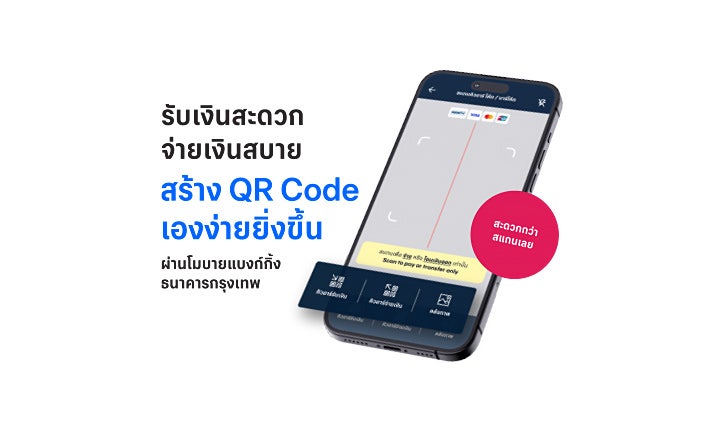
Create QR Codes for Easy Payment and Receipt
Create QR codes to receive payments instantly without needing to share your mobile or account number via Bangkok Bank Mobile Banking
default-button
false
card
true
false
false
false
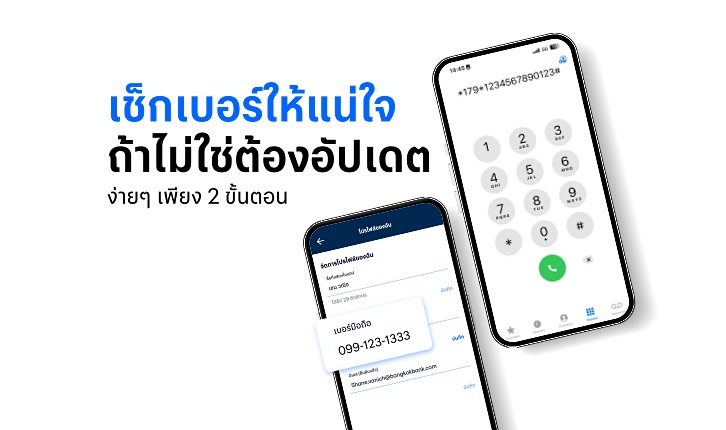
Check and Update Your Mobile Banking Number to ensure continuous service
Enhance the security of mobile banking services and ensure continuous usability through the Bangkok Bank Mobile Banking.
default-button
false
card
true
false
false
false
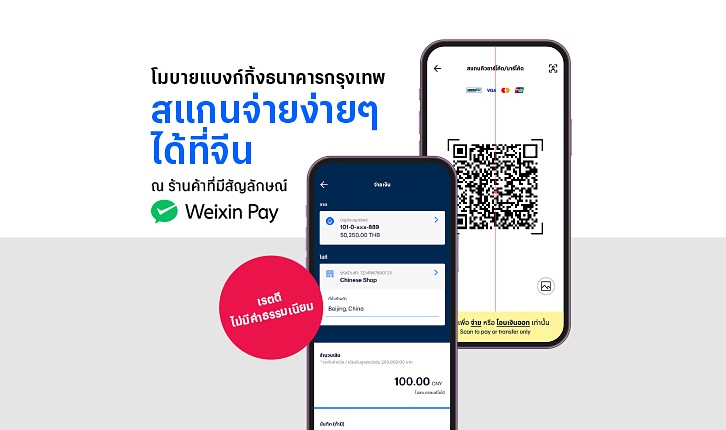
Scan and Pay in China with Weixin Pay QR
No need to download any additional payment apps for your next trip to China! Simply use your Bangkok Bank Mobile Banking with the "Weixin Pay QR" service to shop conveniently at over 100 million merchants.
default-button
false
card
true
false
false
false

Set spending limit by facial recognition on Bangkok Bank Mobile Banking
Enhance your financial security and protect your money by setting spending limits to ensure transfers or payments must be verified with facial recognition before a transaction is completed.
default-button
false
card
true
false
false
false

Schedule Bill Payments and Top-ups
Set up recurring payments for your loan, top up, insurance, and other bills with just a few taps on your Bangkok Bank Mobile Banking and enjoy peace of mind knowing your bills are always paid on time.
default-button
false
card
true
false
false
false
Never Miss a Bill with Bangkok Bank Mobile Banking Direct Debit
No more worries about due dates and late fees, Bangkok Bank Mobile Banking's Direct Debit service will automatically pay all your bills on time.
default-button
false
card
true
false
false
false
Easy Payment with Widget
Scan to pay in one tap with the Bangkok Bank Mobile Banking widget! Follow fewer steps and scan to pay smoothly and quickly with no need to open the app.
default-button
false
card
true
false
false
false
Self-manage credit card spending
Easily lock cash advance, limit credit card spending and more with Bangkok Bank Mobile Banking to help you make your credit card more secure.
default-button
false
card
true
false
false
false
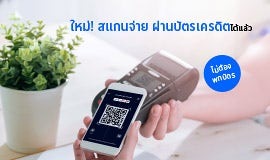
Scan and Pay with QR Code
Pay, receive cash back, and collect points easier than before with the service 'QR Code Payment with Credit Card' on Bangkok Bank Mobile Banking.
default-button
false
card
true
false
false
false

Get a cash advance from Bangkok Bank credit card
How to get a cash advance from Bangkok Bank credit card to your account, and are there any fees?
default-button
false
card
true
false
false
false

Online mobile top up with ease
Topping up can be easy, convenient and fast via Bangkok Bank Mobile Banking app. Using the mobile top-up feature, users can select a phone number directly from their contact list
default-button
false
card
true
false
false
false

Update email to receive notifications
Enhance account security! Rest assure that all outgoing account activities from Bangkok Bank accounts are visible to you at all times.
default-button
false
card
true
false
false
false